FLEET & TELEMATICS
Track vehicles.Review fuel and driver activity.Manage access.
Bring vehicle tracking, fuel management, tachograph records and dashcam footage together. Lock and unlock supported vehicles using a phone or RFID. Functions depend on the hardware, modules and integrations in your setup.
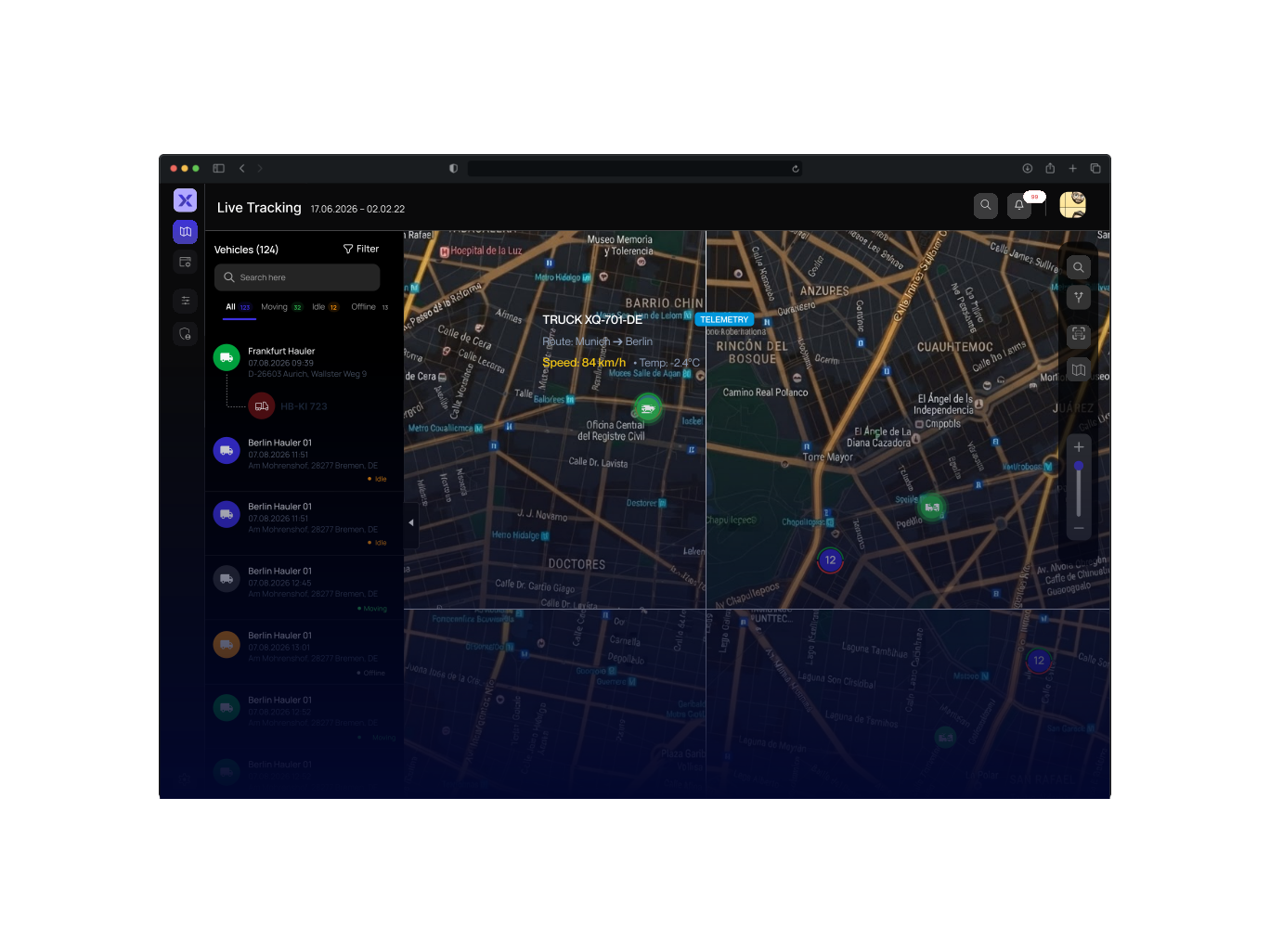
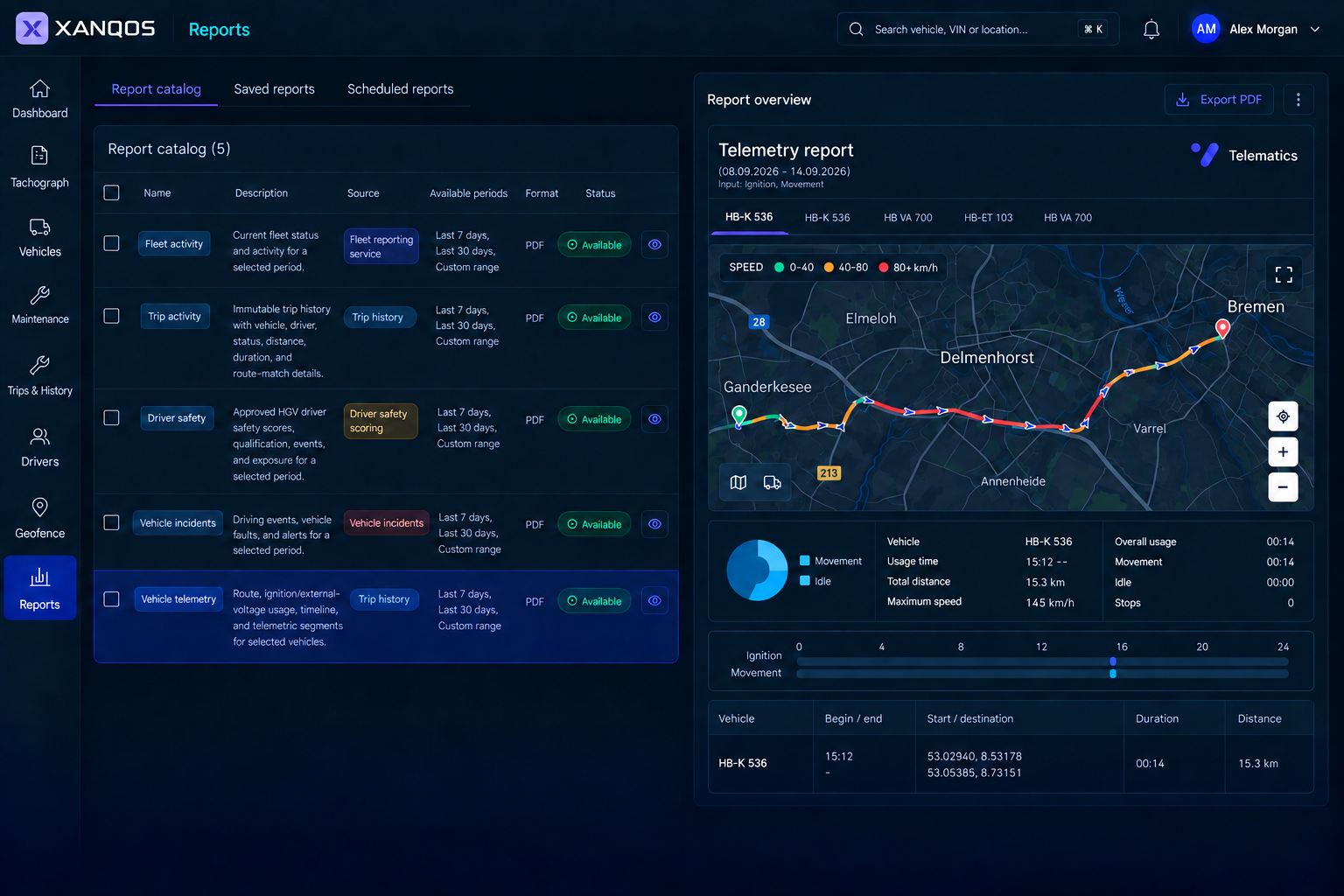
Product illustration with example data. Views and available functions depend on modules, hardware and configuration.
- Vehicle locations & status
- GPS
- Fuel levels & consumption
- FUEL
- Files & driver activity
- TACHO
- Lock & unlock supported vehicles
- RFID
Core Telematics Modules
Built for connected fleet operations
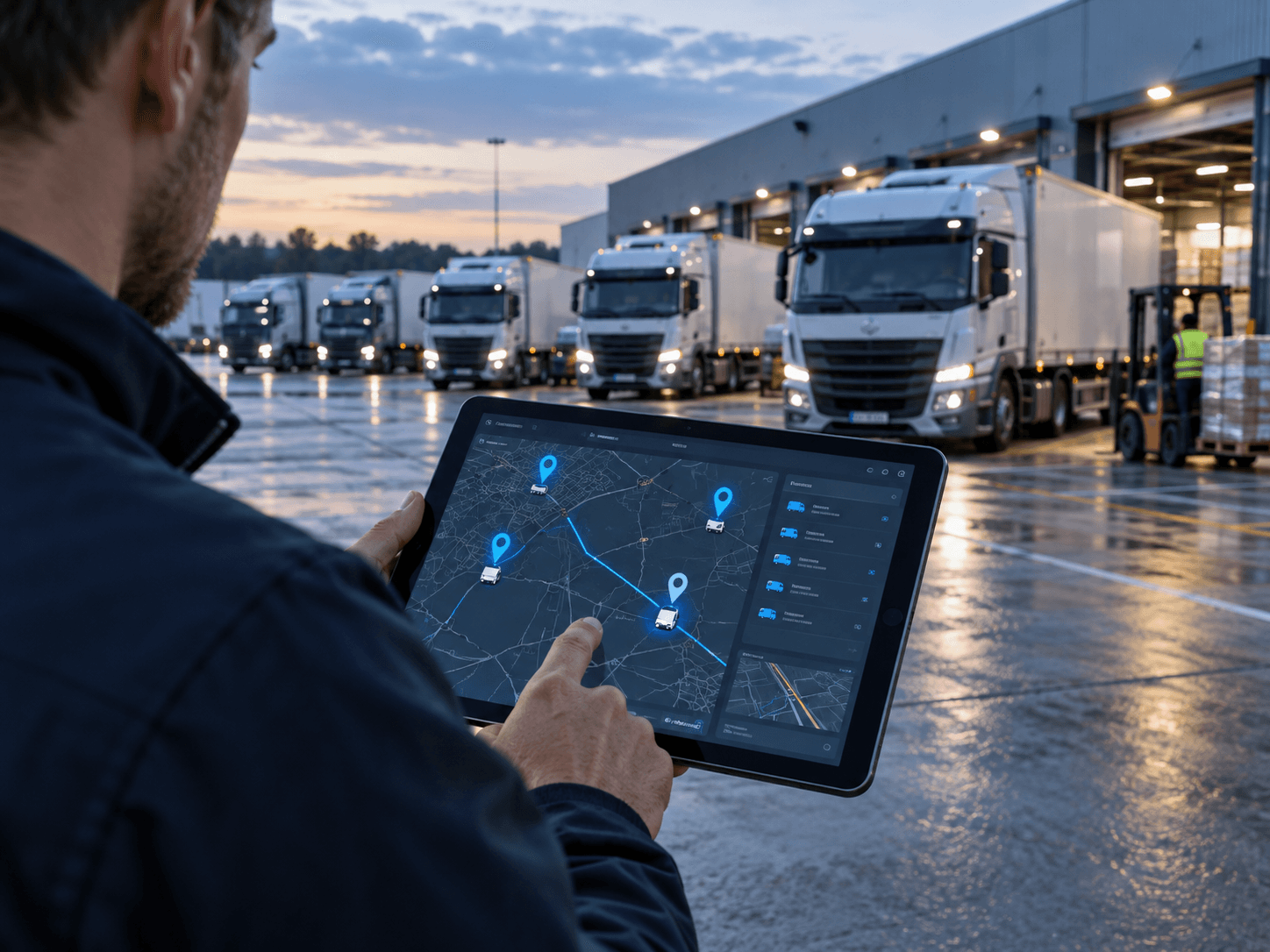
Review the fleet data you need for daily work. Check device compatibility and data availability before choosing your modules.
FuelControl
Review unusual fuel changes with reported tank levels, timestamps and available vehicle context. Alerts identify events to investigate; they do not confirm theft.
See details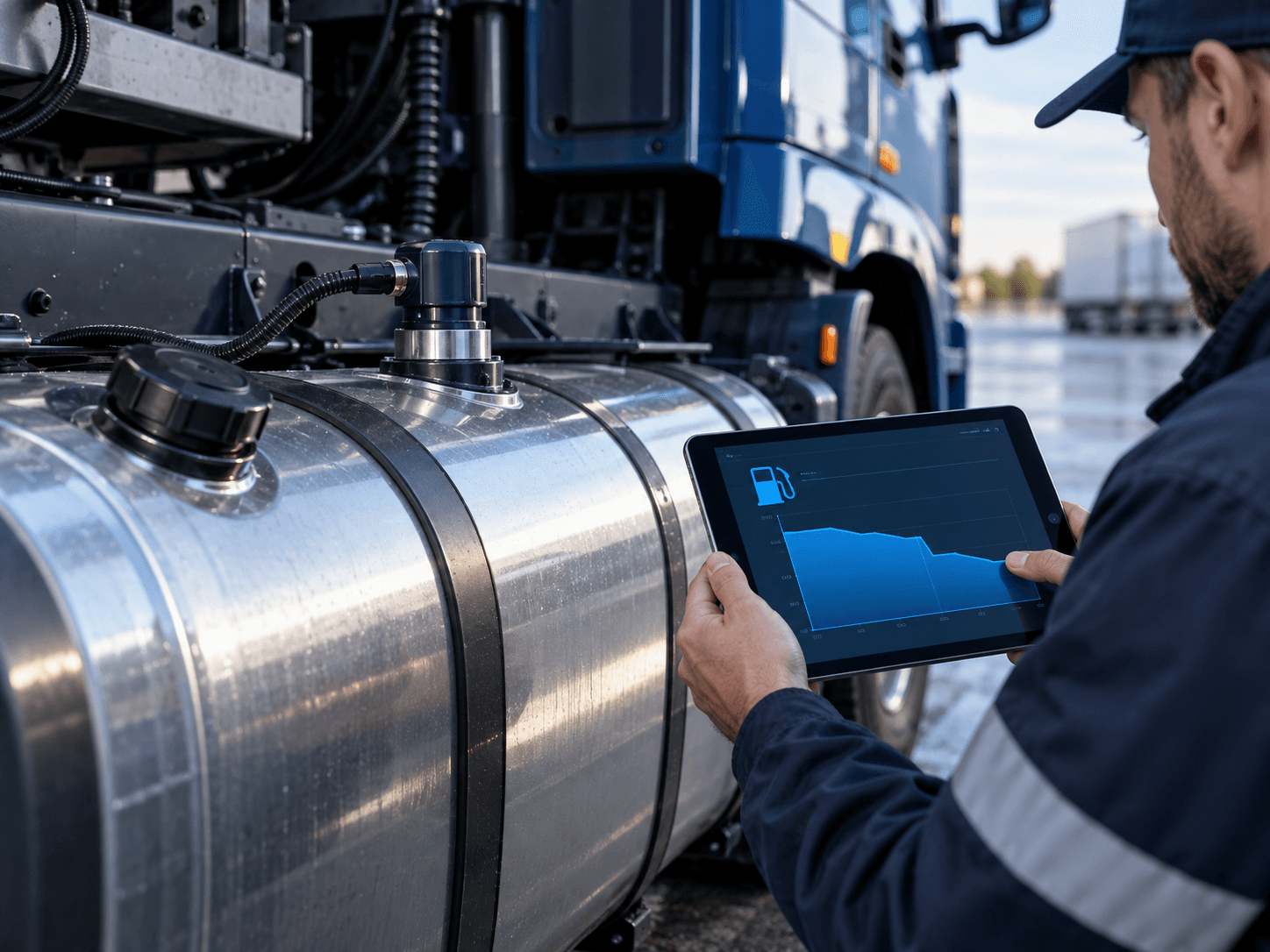
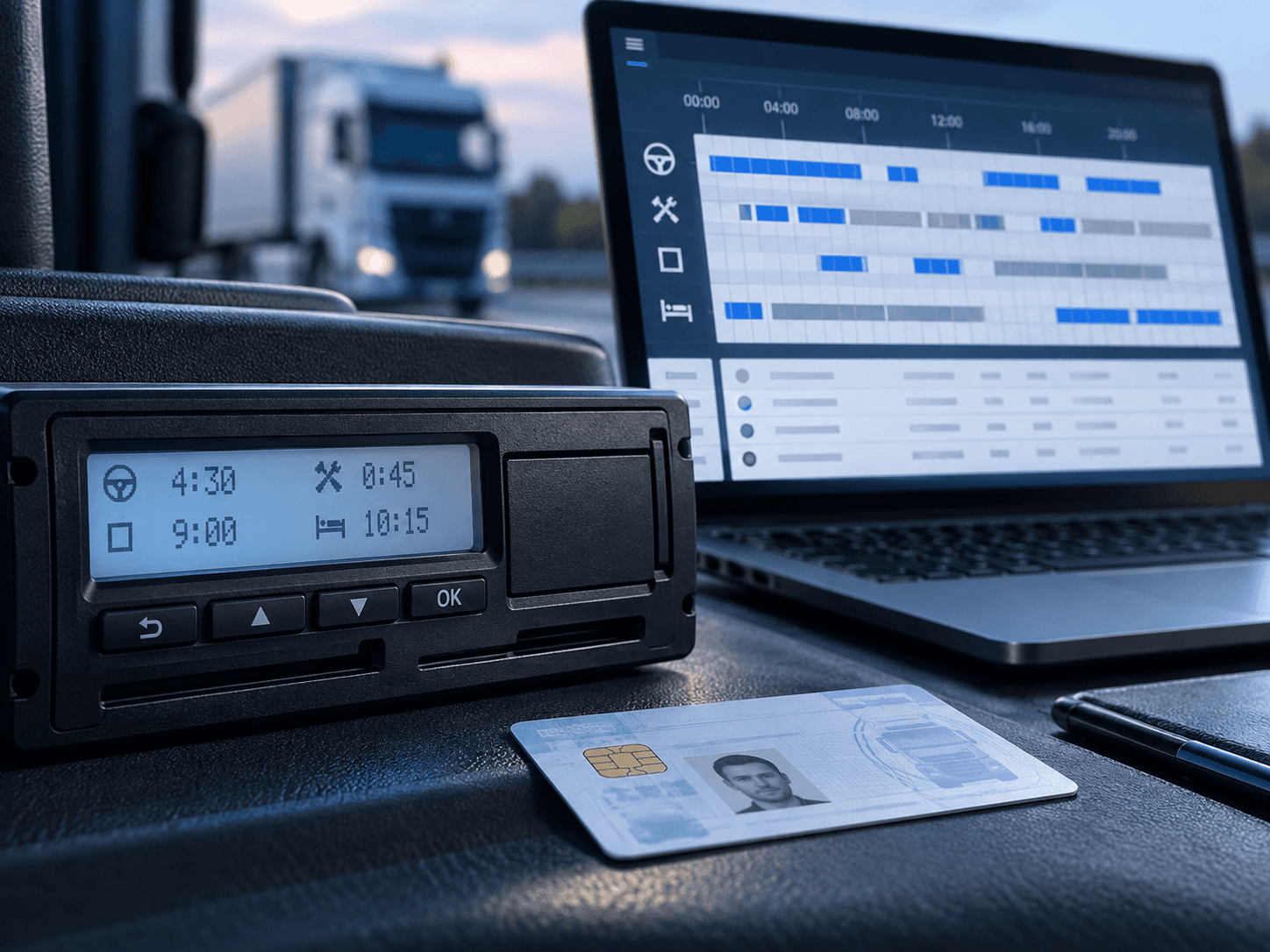
TachographManagement
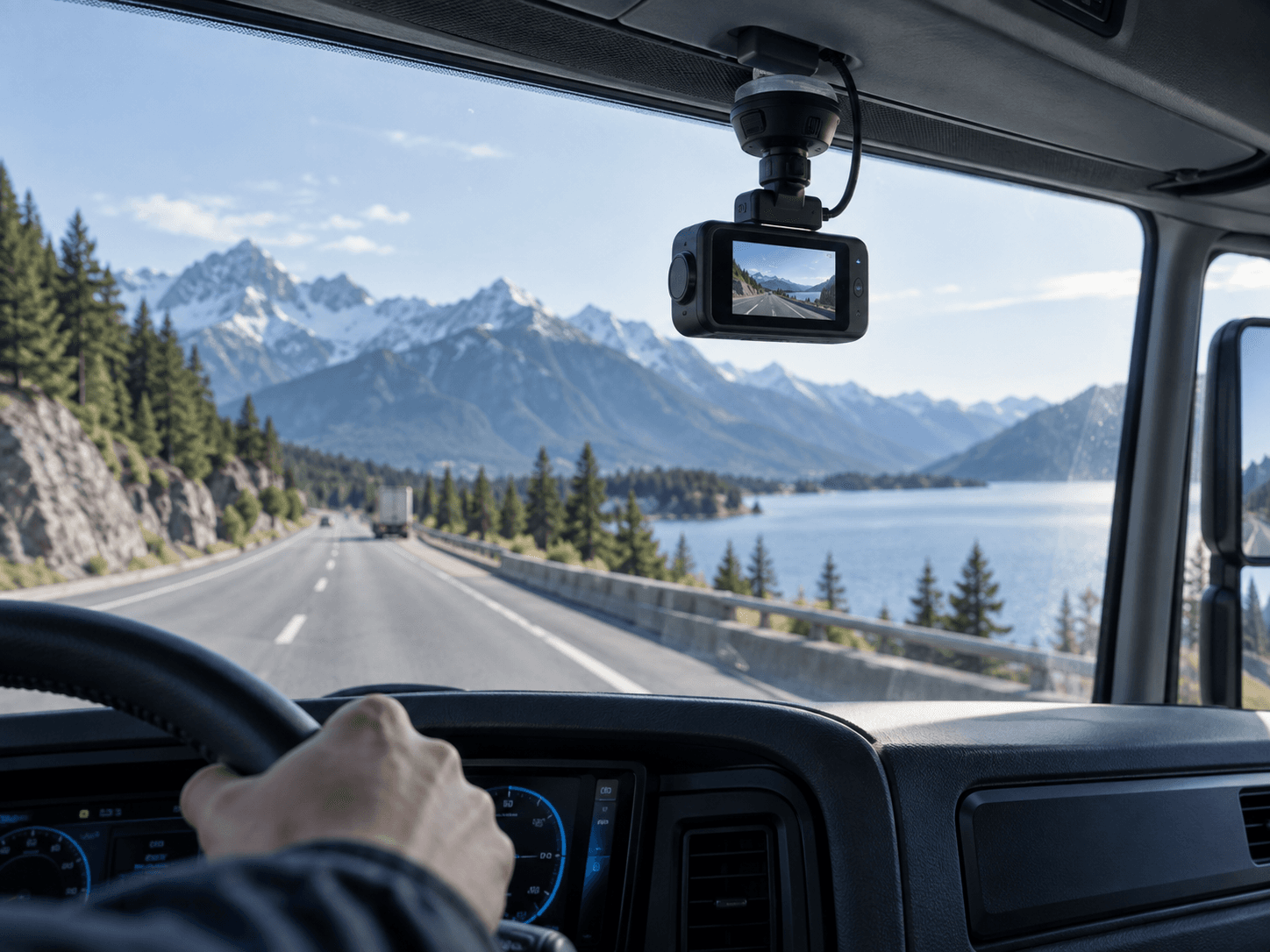
DashcamEvidence
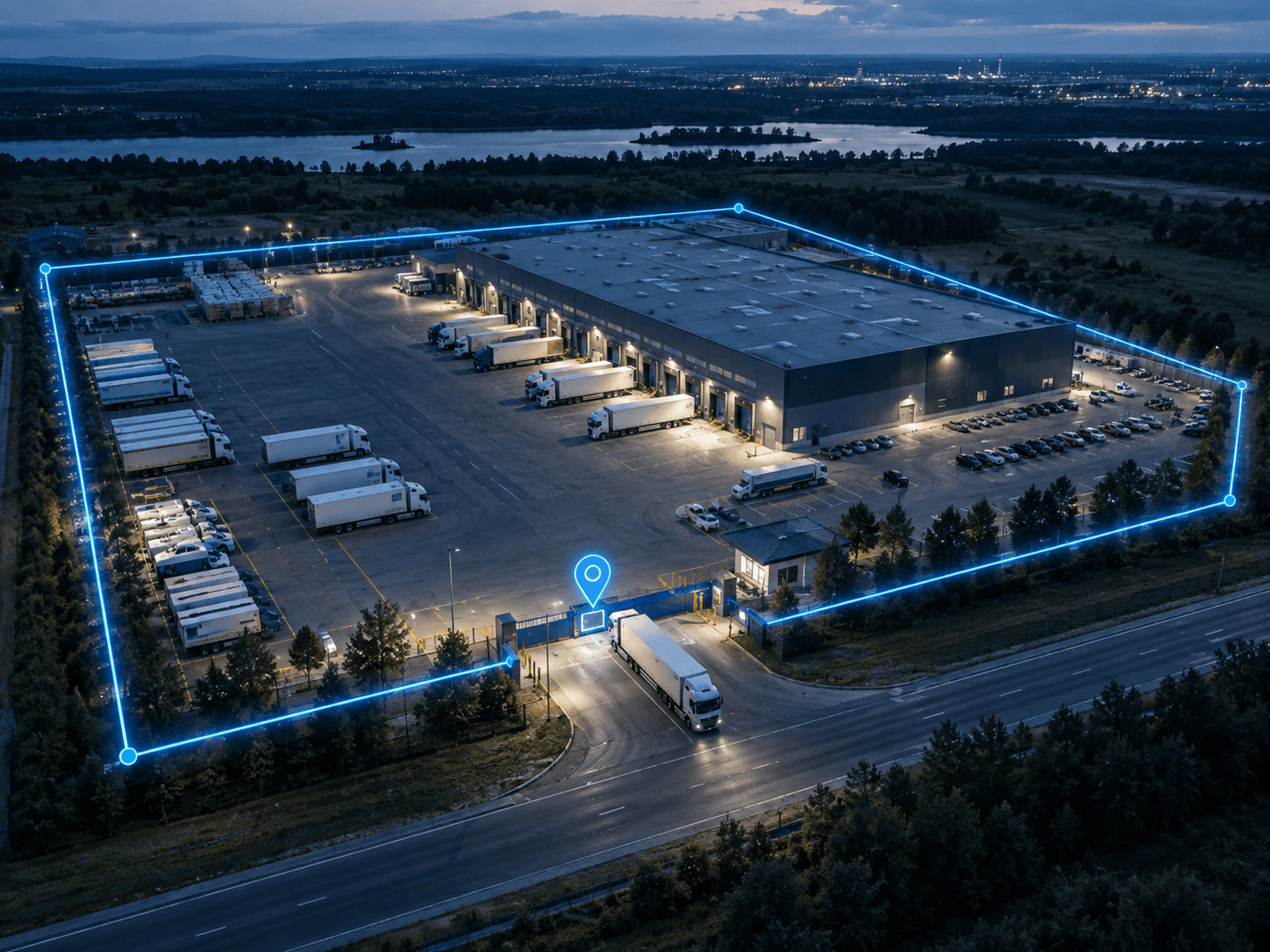
GeofenceManagement
VehicleMaintenance
Service plans and maintenance records for vehicles. Keep service schedules and history in one place.
See details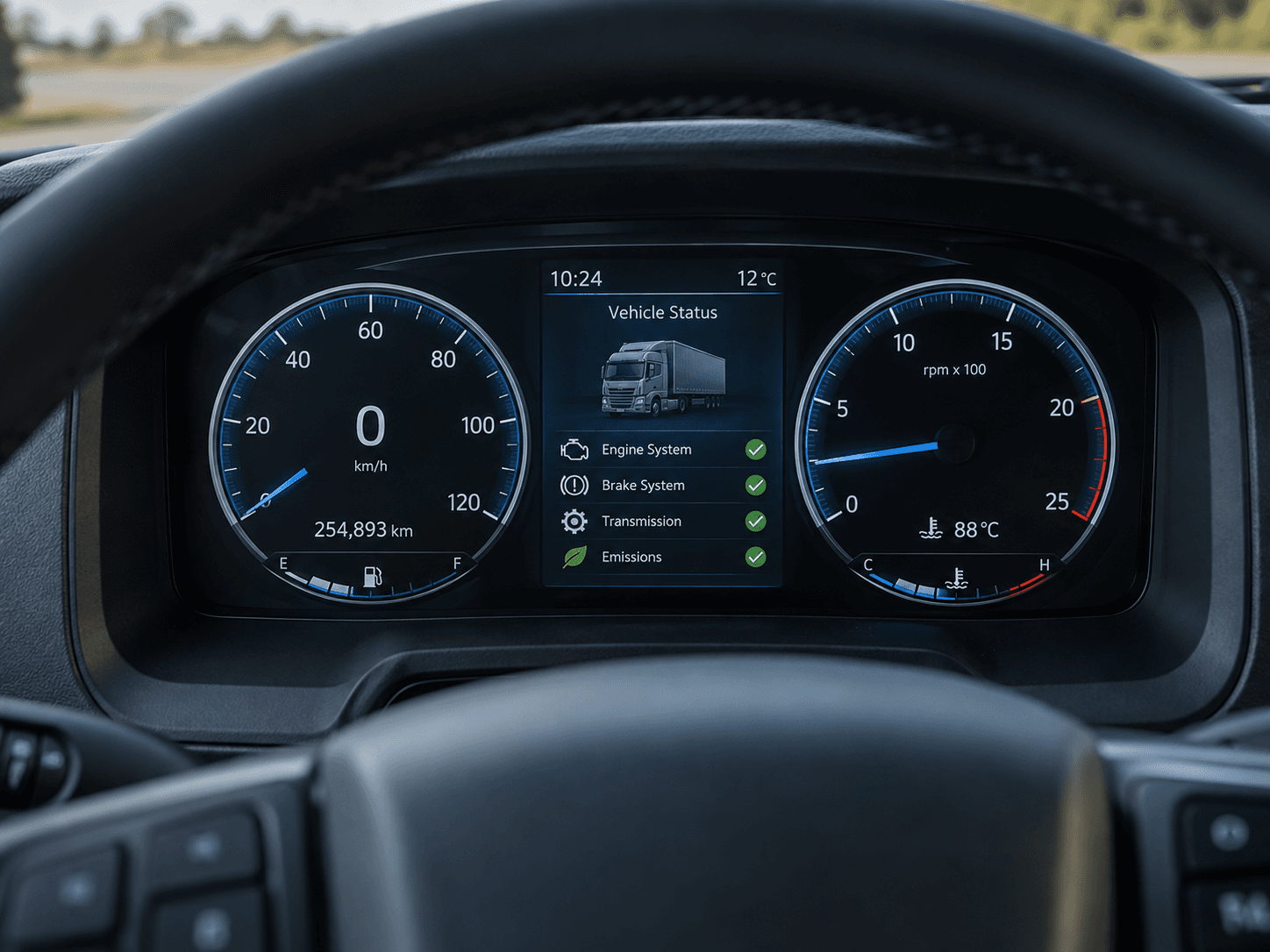
Trips andHistory
Past trips with route playback, analytics, and export. Review where assets went and how long trips took.
See details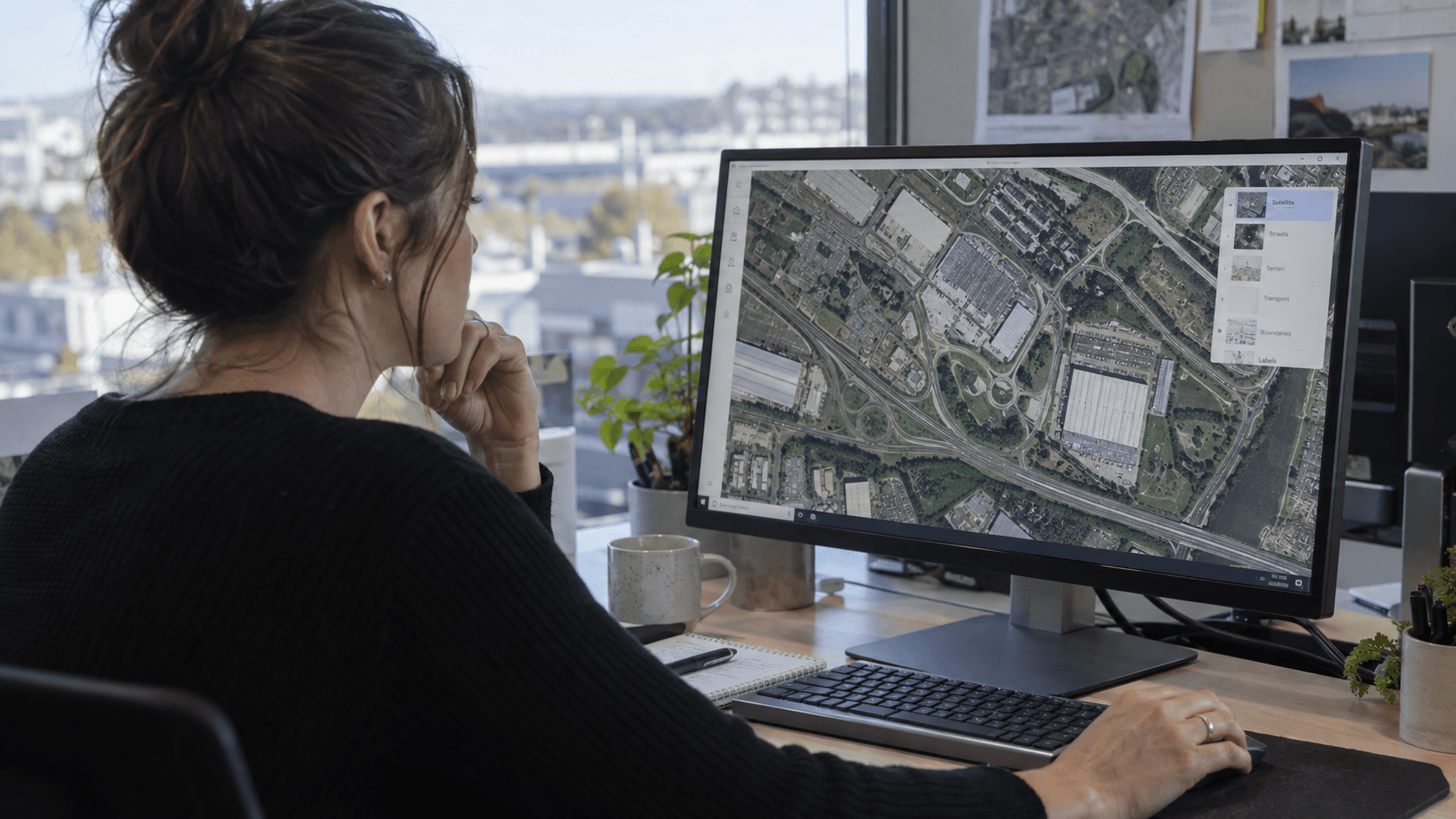
ReportModule
Review fleet, trip and event reports. Use the available records to support operational reviews and follow-up.
See details
DriverPerformance
VehicleStatus
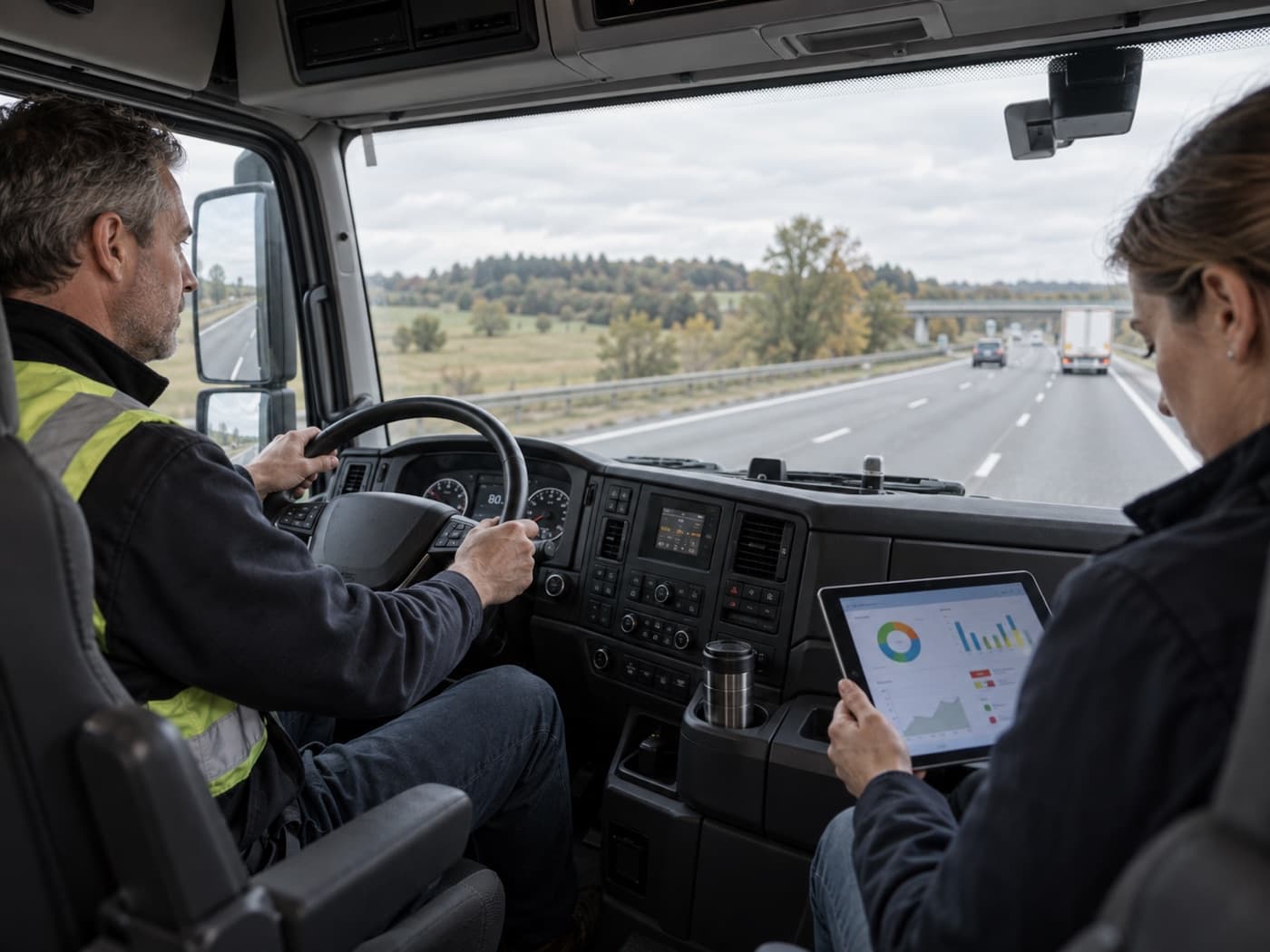
Review reported mileage and available vehicle signals. The information shown depends on the connected device and vehicle.
See detailsEventAlerts

Phone & RFIDAccess
Lock and unlock supported vehicles using a phone or RFID. Manage access permissions and review command history with compatible hardware.
See details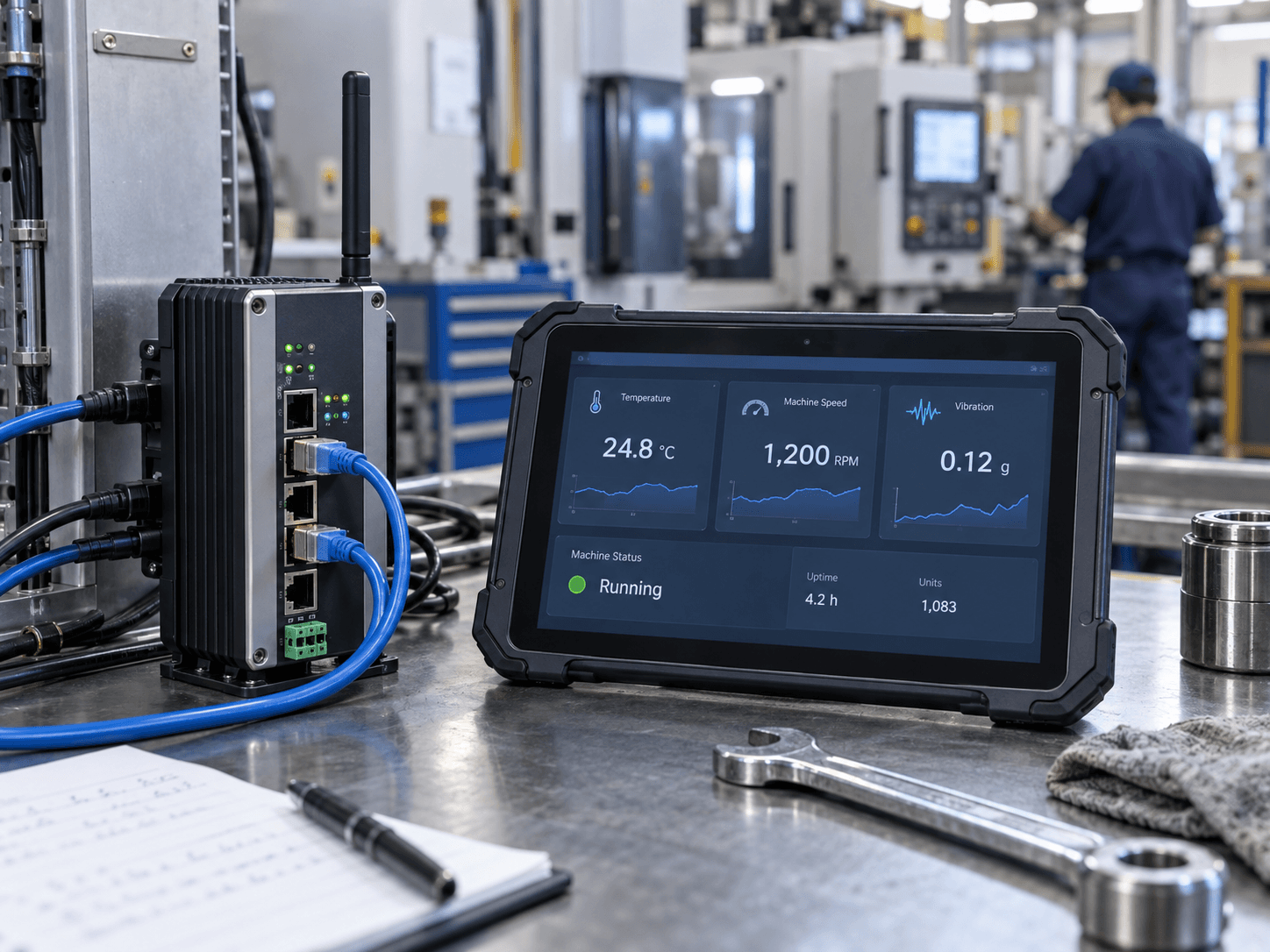
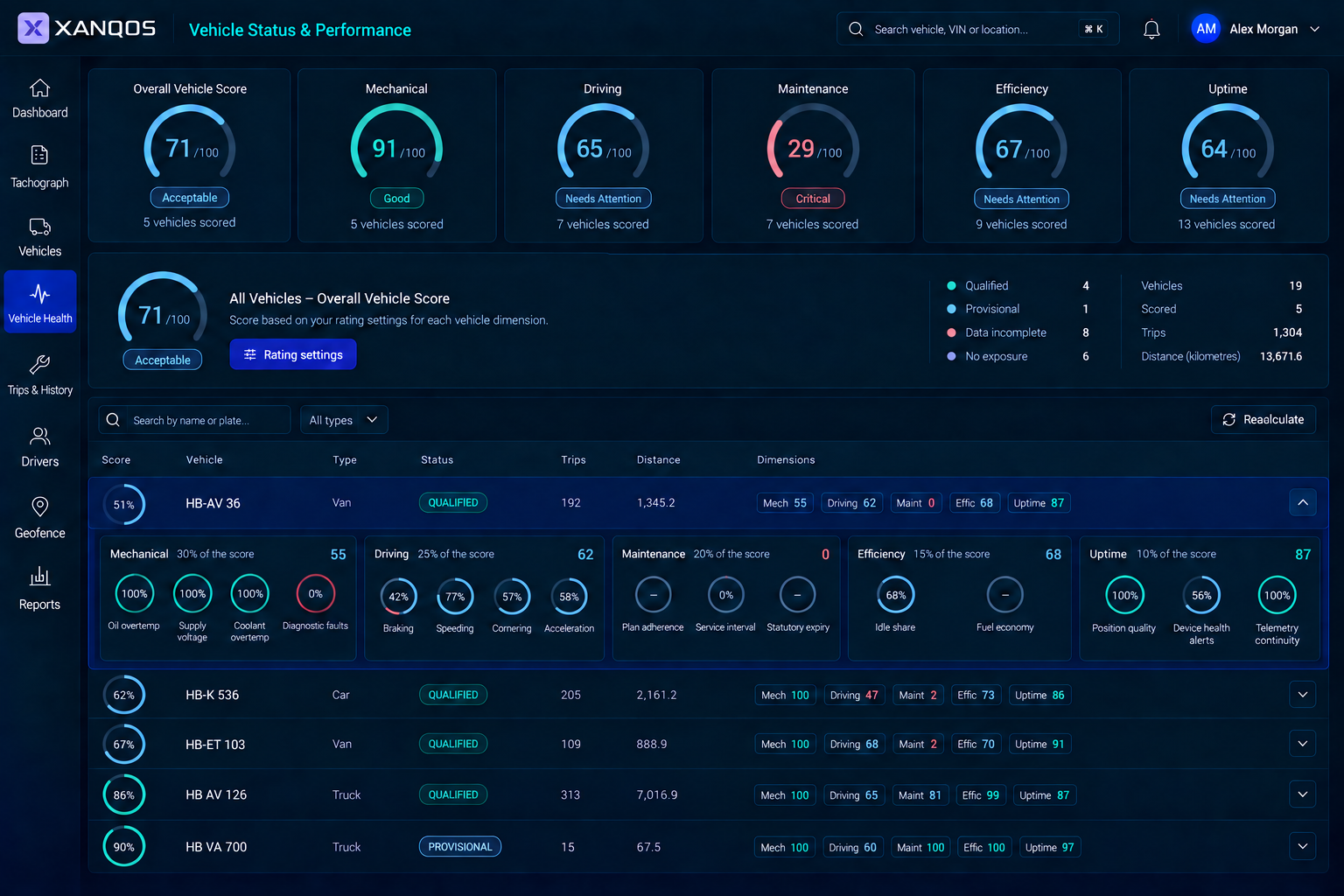
Aggregated Fleet Performance
Fleet Health Dashboard
See how much of your fleet is active, idle or disconnected at a glance. Compare fleet-wide utilisation and connectivity to identify unused capacity and gaps in visibility.
- Compare active and idle vehicle ratios to assess fleet utilisation.
- Identify telemetry blackouts that leave gaps in your fleet overview.
Hardware compatibility
Check what your fleet can connect
Share the devices, vehicle models and providers you already use. We check which data is available and what is needed for tracking, fuel, tachograph, camera or access functions.
- Check tracker compatibility and fuel data from CAN-bus or external sensors.
- Confirm installation and connection requirements before rollout.

Access & data handling
Agree how fleet data
is handled
Vehicle and driver data need clear rules. Review these points with us when planning your telematics setup.
Hosting & processing
Confirm hosting locations, processing arrangements and the documentation your business needs before rollout.
Role-based access control
Define which teams should access vehicle locations, driver records, camera footage and access commands.
Records & traceability
Review the event and command history available in your setup and agree what must be retained for follow-up.
Data retention policies
Agree how long each type of data is needed, who can retrieve it and how deletion should be handled.
Connection requirements
Review the protection and configuration of device and provider connections as part of the technical scope.
Integration access
Specify which systems may exchange data, the required permissions and who manages access credentials.
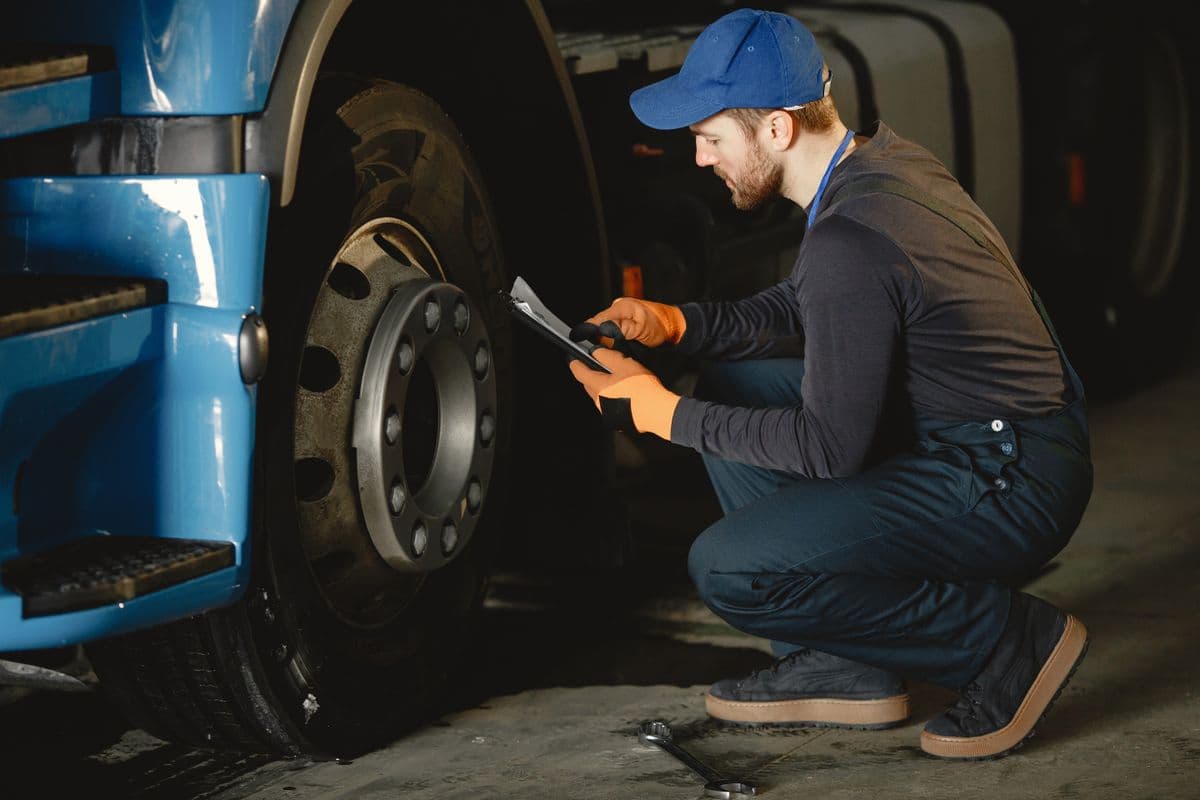
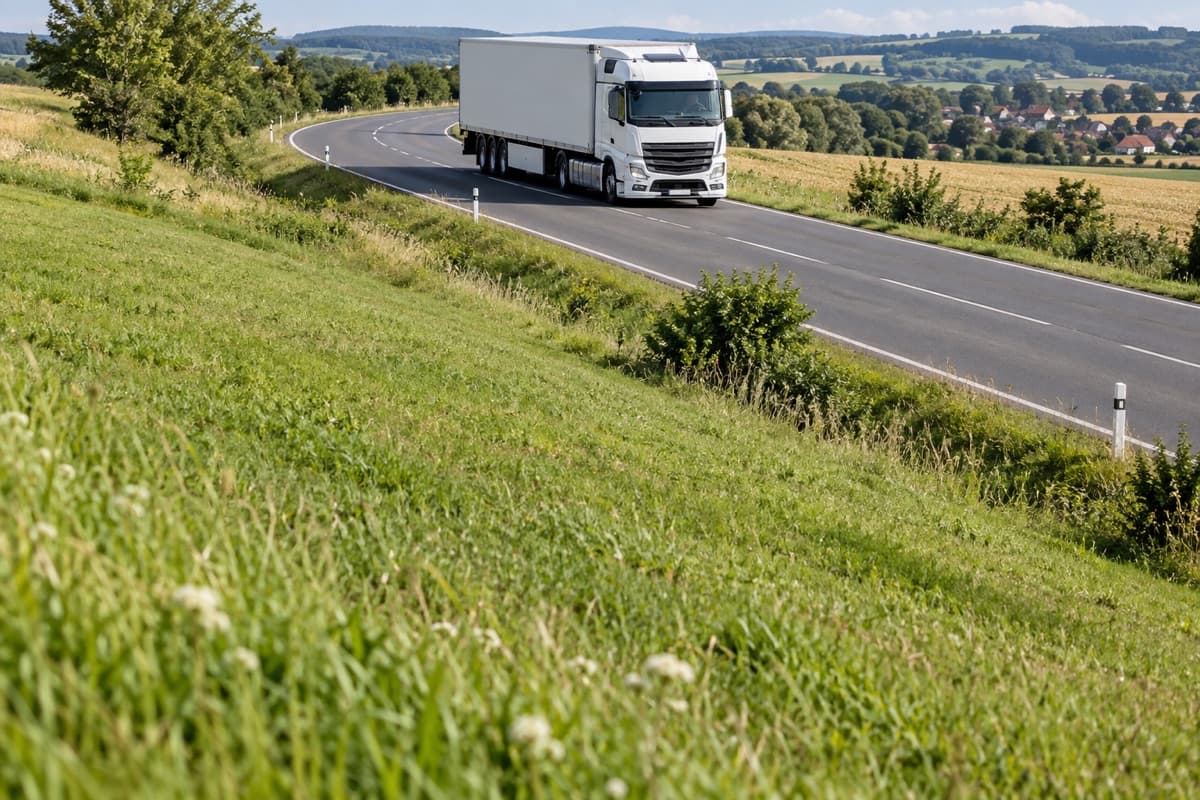
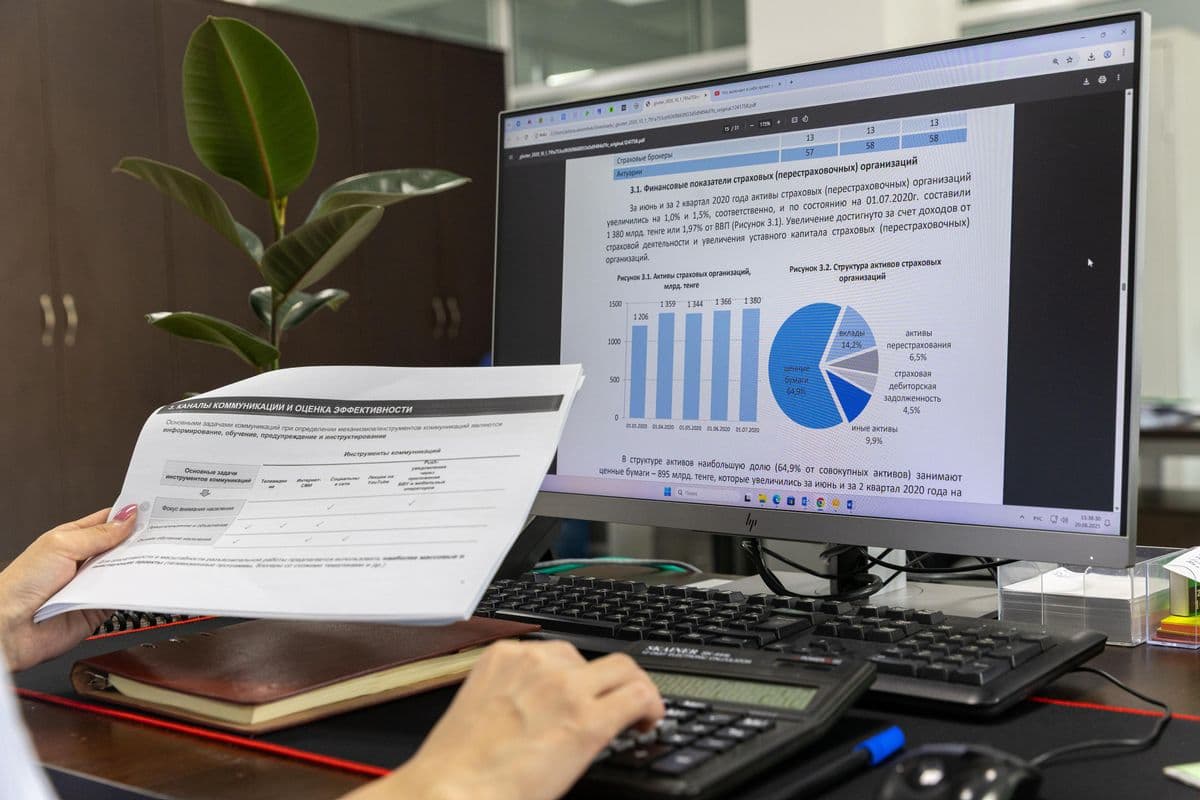
Product workflows
Take a closer look at the work.
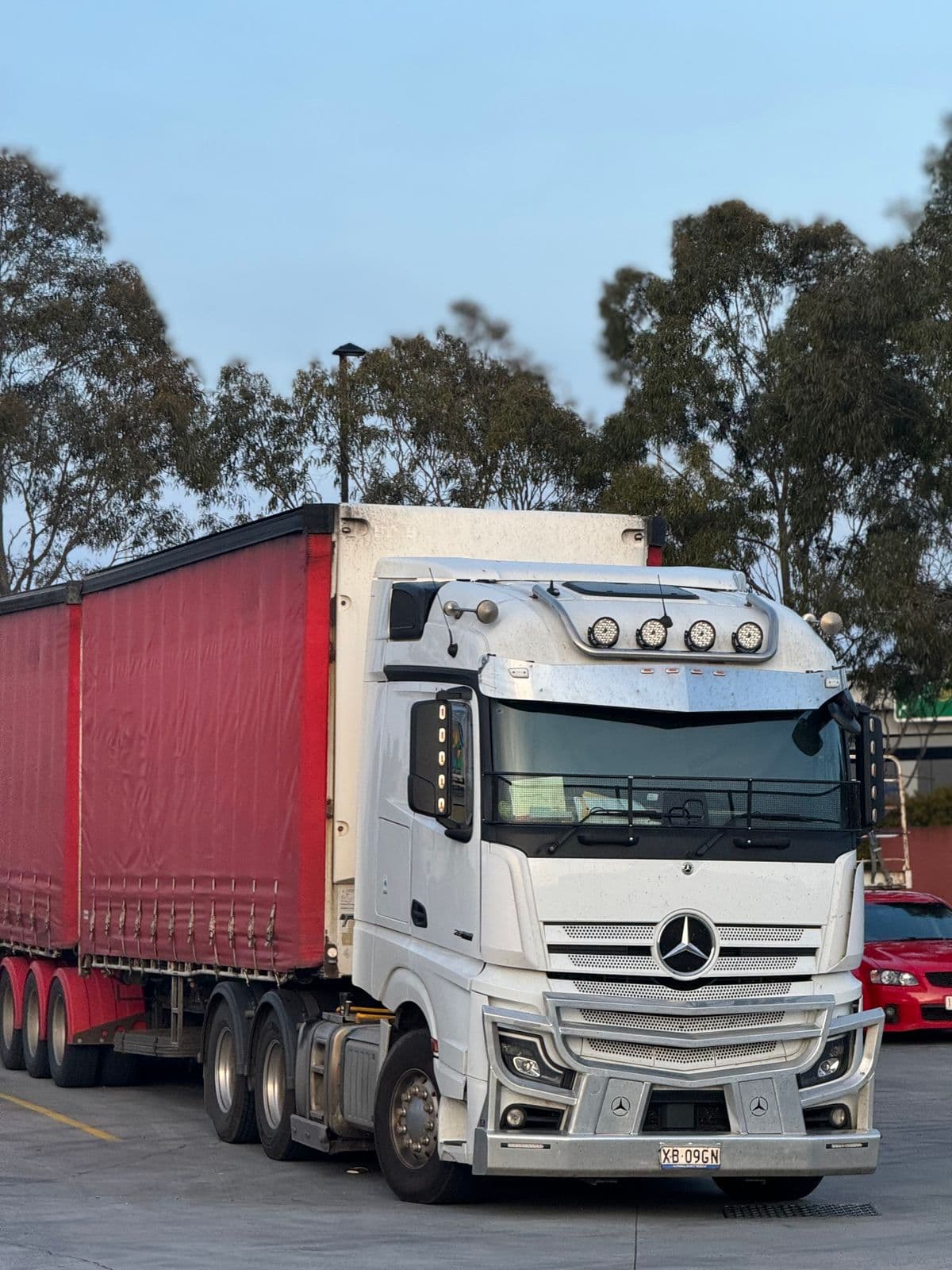
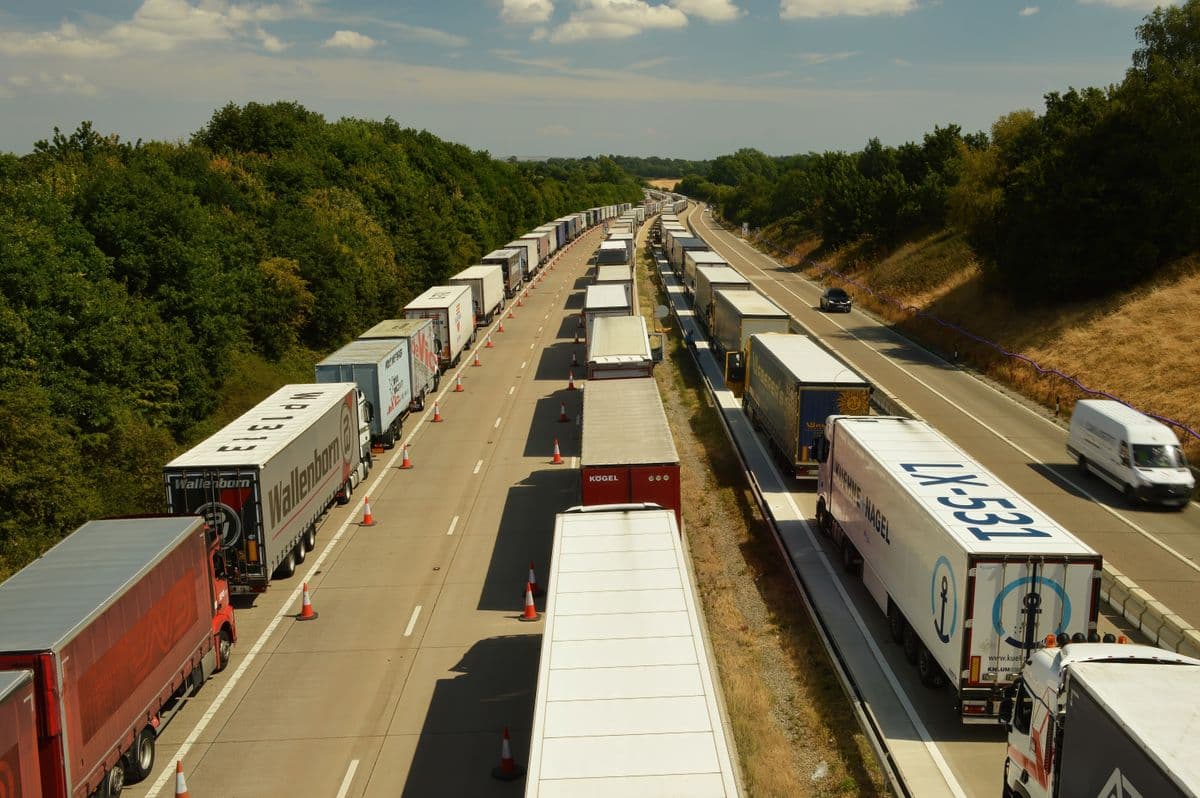

Scope & pricing
Get pricing for the software you need.

Vehicle numbers, fleet modules and device compatibility shape your telematics quote. We assess the available signals and connections for your vehicles.
Required devices, installation and connectivity are specified for the chosen fleet modules.
Your proposal
What your fleet quote covers
Describe vehicles, devices and required data. Your proposal defines compatible hardware, software functions and installation.

Proposal scope
Vehicle data & functions
Select location, alert and vehicle-data functions. Your proposal lists the fleet modules available with supported devices and data sources.
Proposal scope
Devices & connectivity
Record the vehicle allowance, compatible trackers and any installation needs. Hardware and connectivity charges are specified so you can distinguish device costs from software access.

Proposal scope
Vehicle Data System Connections
Identify where vehicle data should reach other systems. Additional interfaces or custom data processing are scoped separately for your setup.
Discuss the scope

Proposal scope
Fleet setup & support
Agree device configuration, access and training. Your proposal specifies installation, ongoing support and separate charges for fleet services.
Quick answers
to common questions
Share your vehicle models, installed trackers and provider access. Fuel readings may come from a supported CAN-bus connection or compatible external sensors. Camera, tachograph and vehicle-access functions have their own hardware requirements. We check available signals, installation and calibration before confirming your setup.

Request a demo
Let’s discuss what you need.
See vehicle tracking, fuel readings and tachograph records in a demo for your fleet’s daily work.