
Media Gallery
Organize dashcam, driver-facing, and external camera footage into one evidence gallery for each vehicle and event.
Dashcam
Find uploaded clips and snapshots by vehicle, time or camera. Review road-facing and driver-facing footage where compatible cameras are installed. This is recorded media review, not live video streaming.
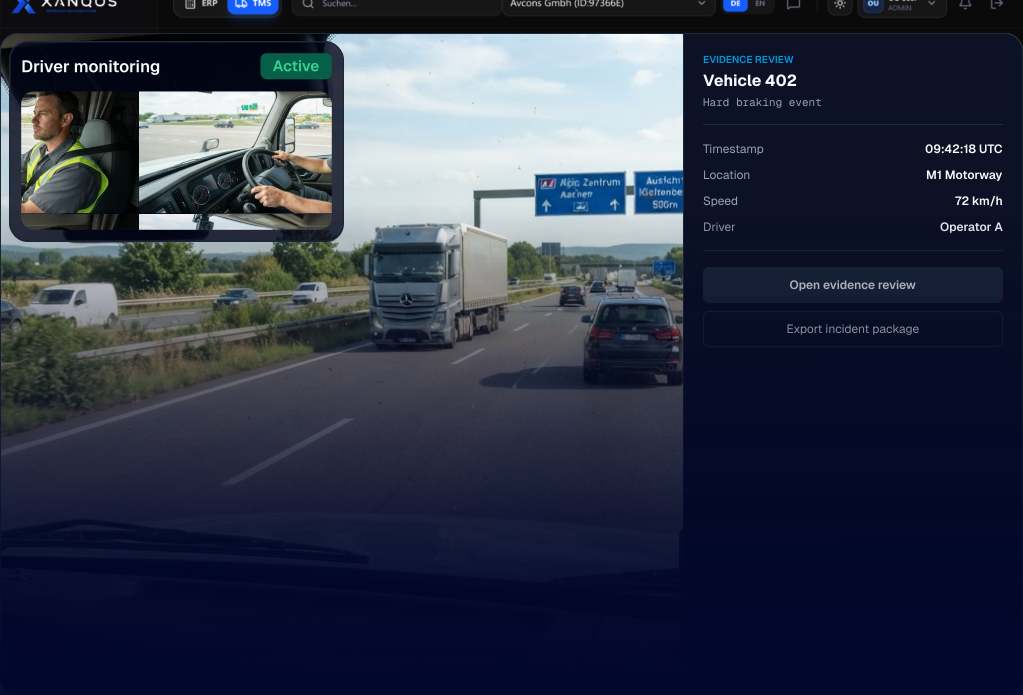
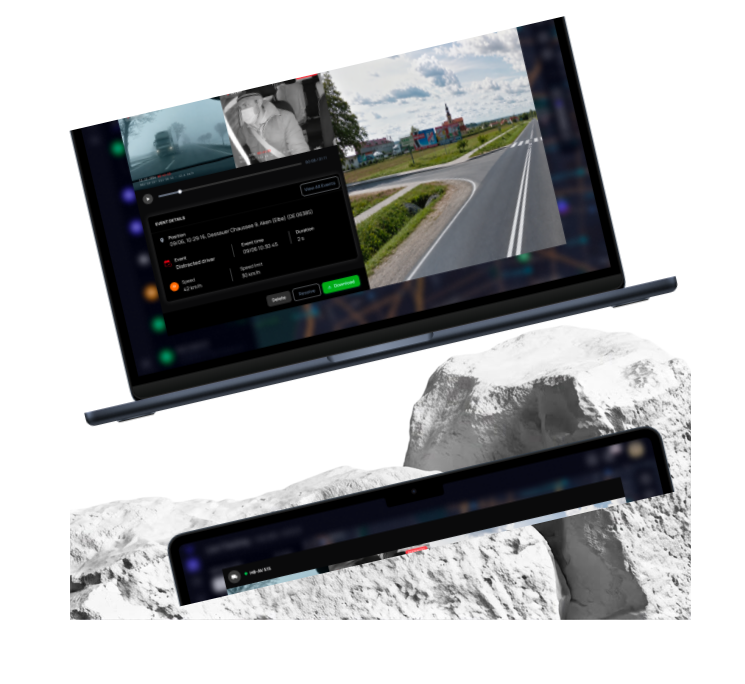
Product interface · Open full size ↗
Evidence Workflow
Review camera files with the available vehicle, time and event information. Access to footage and camera commands depends on assigned permissions.
Organize dashcam, driver-facing, and external camera footage into one evidence gallery for each vehicle and event.
Surface safety events, camera triggers, and vehicle incidents in one timeline so reviewers can understand what happened.
Authorised administrators can request snapshots from compatible cameras when a device connection is available.
Authorised administrators manage camera assignments and settings. Confirm review access and retention arrangements for your setup.
These still images illustrate camera perspectives and example vehicle records. In the product, review uploaded images and supported video clips.
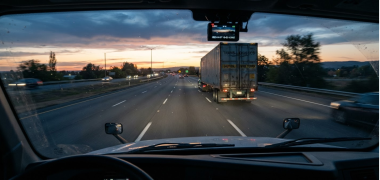
2026-03-12 14:32:05
Source: AUTOMATIC
Open still image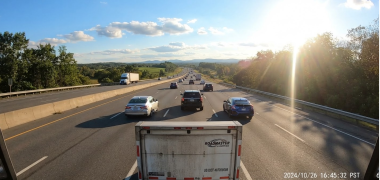
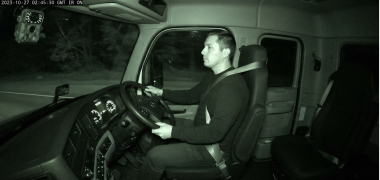
2026-03-12 13:58:12
Source: AUTOMATIC
Open still imageRequired to browse and inspect incident media in the live evidence gallery.
Required to dispatch remote over-the-air photograph or video clip snapshot commands.
Required to perform permanent raw evidence deletion from telemetry servers.
Available camera views depend on the installed hardware and channel configuration.
How it Works
Locate the recording, review the available context and export files for follow-up where authorised.
Filter by vehicle, camera, media type or date to find available recordings for the event you want to review.
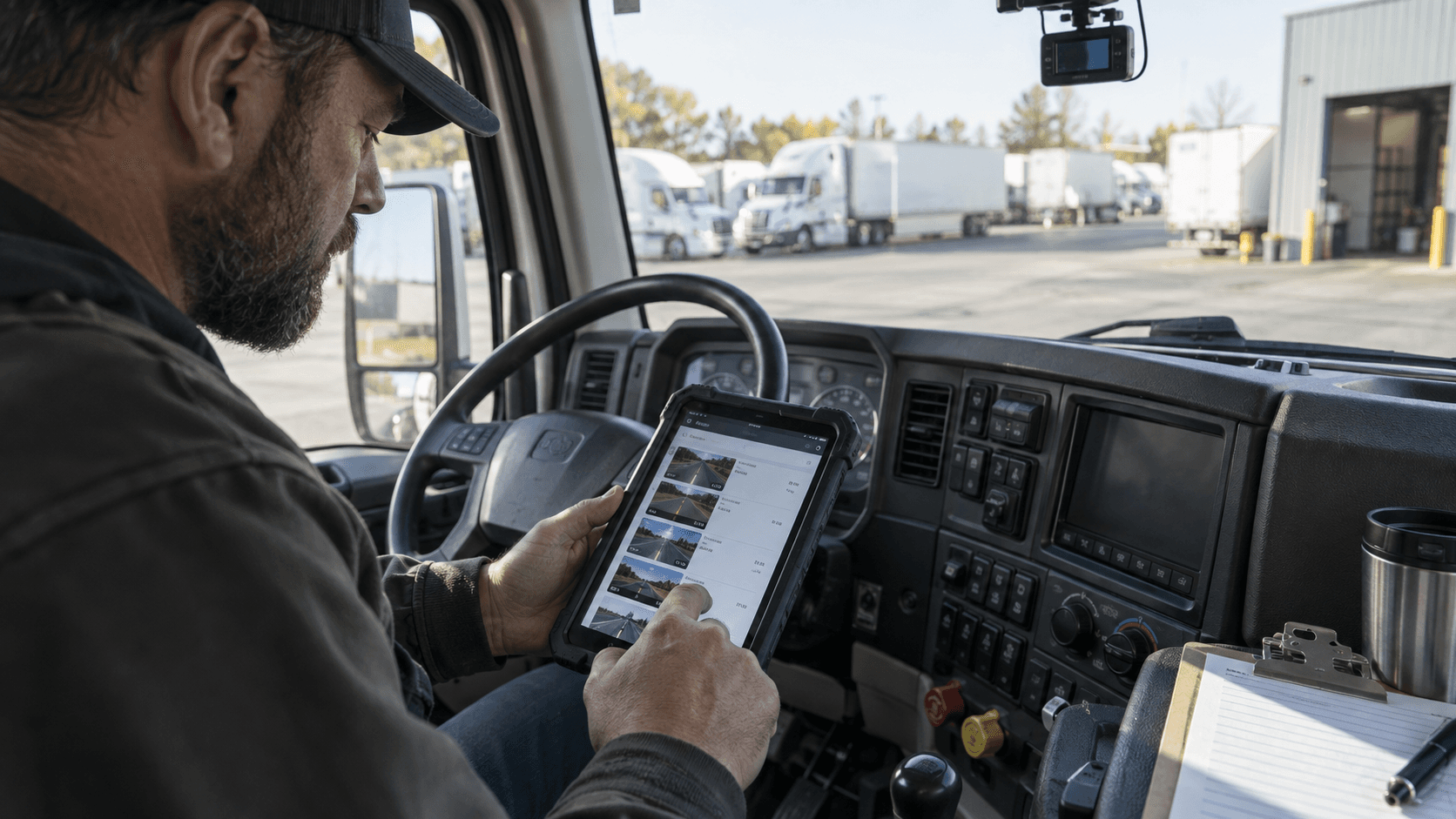
Review the clip or image with its timestamp, upload source and available vehicle and location information.
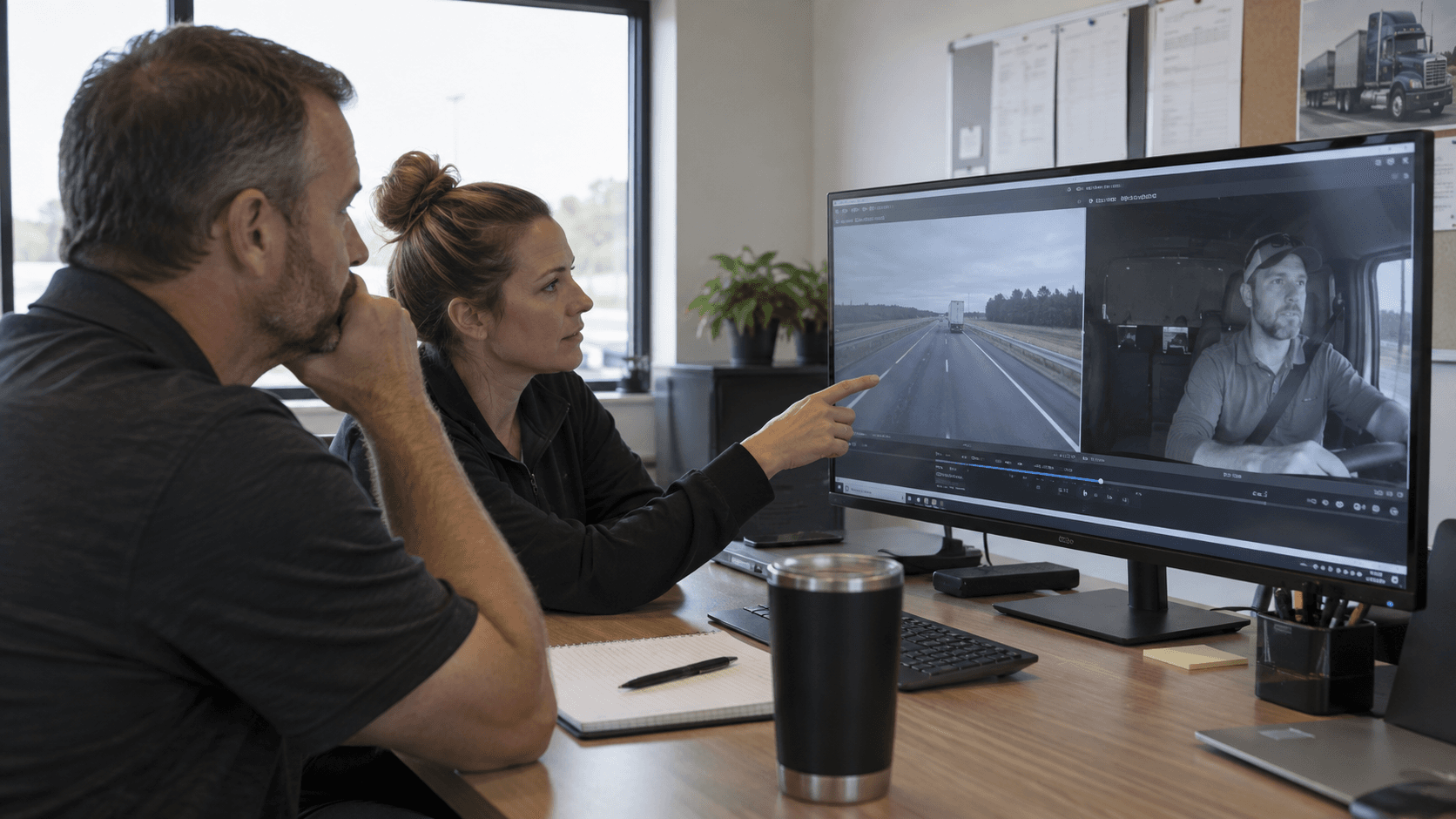
Download the original file where permitted and follow your organisation’s review process. In-app sharing, tagging and notes are not supported.

Access & Context
The evidence workflow is built for teams that need to review footage, understand vehicle and driver context, and act on incidents with the right level of access.
Evidence can be linked to available vehicle, assignment, location, timestamp, and event context so reviewers can understand what happened.
Access is role-appropriate, so reviewers can act on incidents with the right level of visibility and control.
Snapshot Requests and Cameras & Configuration are authorized super-admin workflows rather than standard day-to-day tenant tools.
Camera FAQ

Request a demo
Discuss the camera views, event recordings and review permissions your fleet needs.