ERP
Accounting & invoices
Record transactions, manage invoices and review outstanding amounts.
Transactions · Invoices · Outstanding payments
ERP · FINANCE · CONTROLLING · INVOICING
When a report raises a question, follow the figure back to its records. XANQOS ERP connects transactions, invoices and cost allocations with financial reporting so your team can review outstanding payments and differences from the budget.
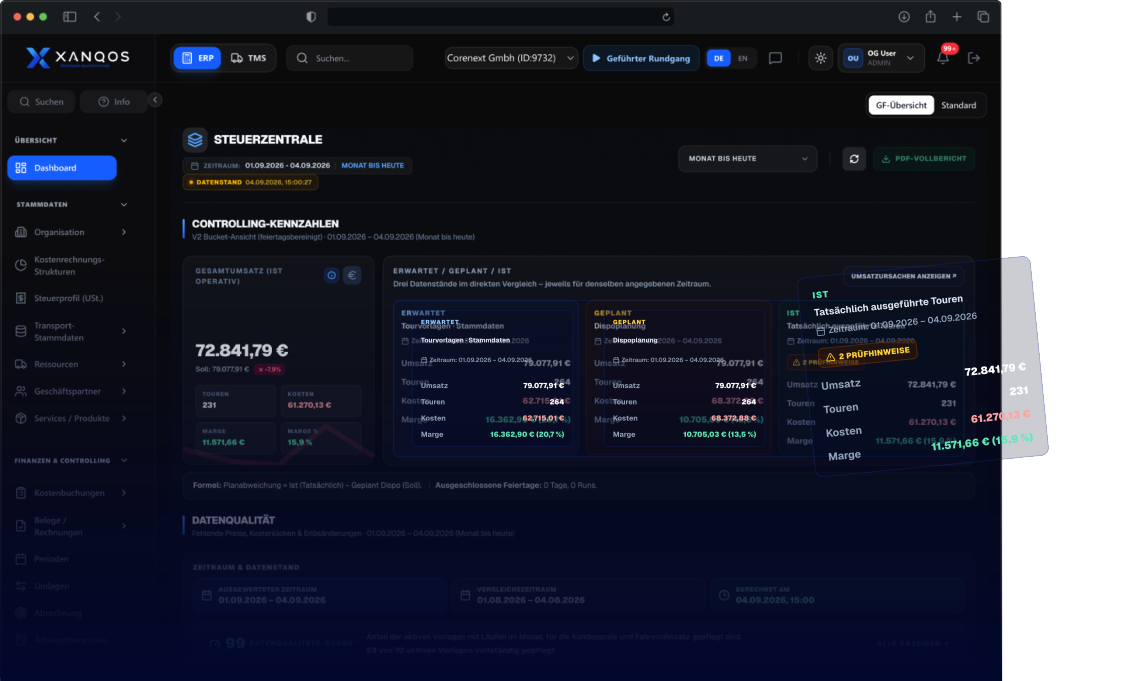
Product illustration with example data. Views and available functions depend on modules, hardware and configuration.
Finance Core
Record transactions, manage invoices and review outstanding amounts.
Transactions · Invoices · Outstanding payments
Prepare accounting data for your accountant with DATEV CSV export.
Accounting data · Documents · Data exchange
Allocate costs to cost centres and cost objects to see where expenses arise.
Cost centres · Cost objects · Financial results
What XANQOS ERP Does
How XANQOS ERP Works
How can I review my business finances?
Transactions, documents and journal entries
Accounting entries in DATEV CSV format
Cost centres, cost objects and results
Core ERP Modules
Manage postings, invoices, cost allocations and master data in ERP. Use financial reports to follow the figures back to their records.
Record transactions, attach supporting documents and review journal entries when you need to check a figure.
See details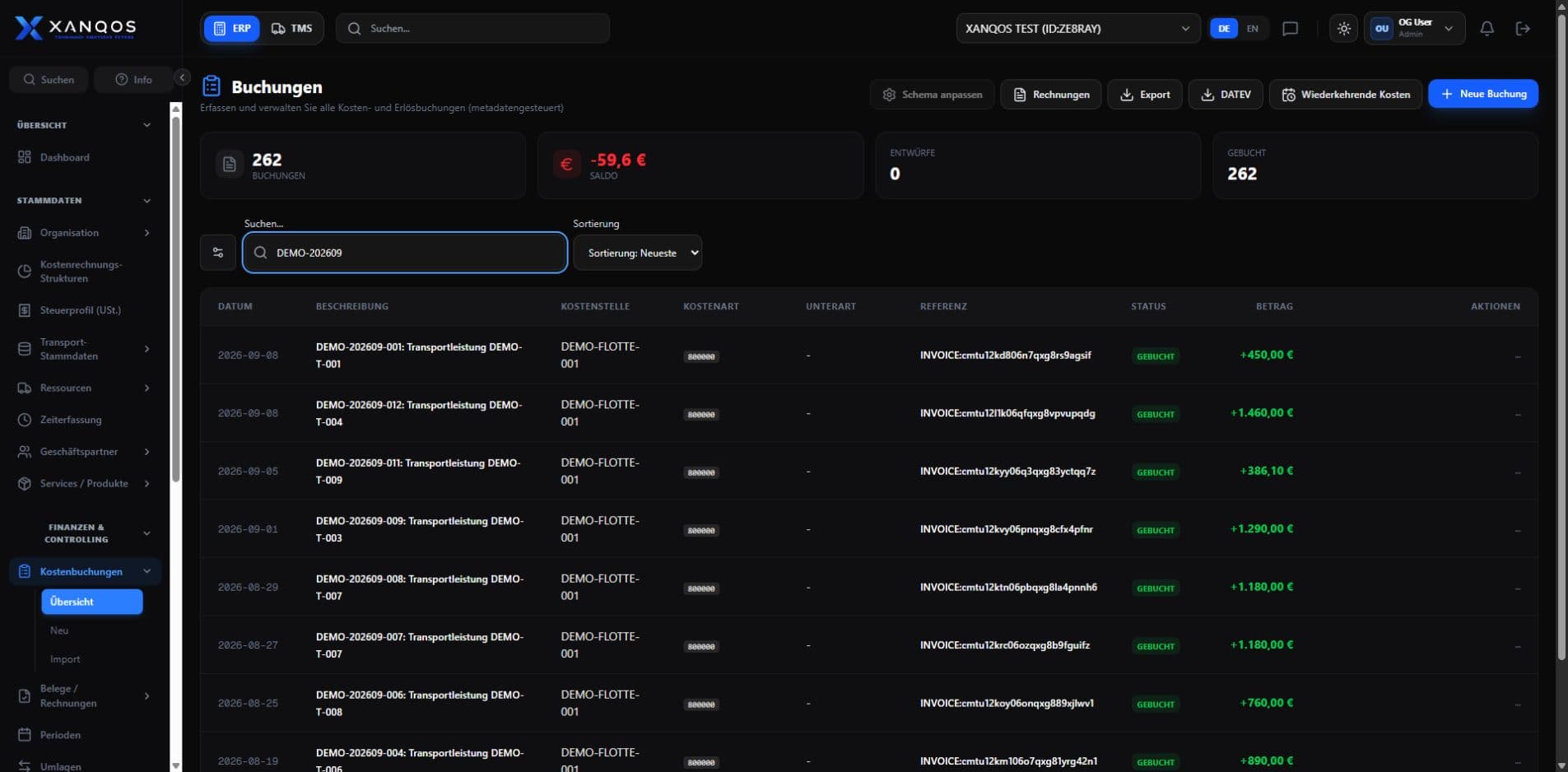
Export accounting entries in DATEV CSV format for your accountant. Select the reporting period and prepare the handover from your ERP records.
See detailsAllocate expenses to cost centres and cost objects. See where costs arise and which activities they belong to.
See details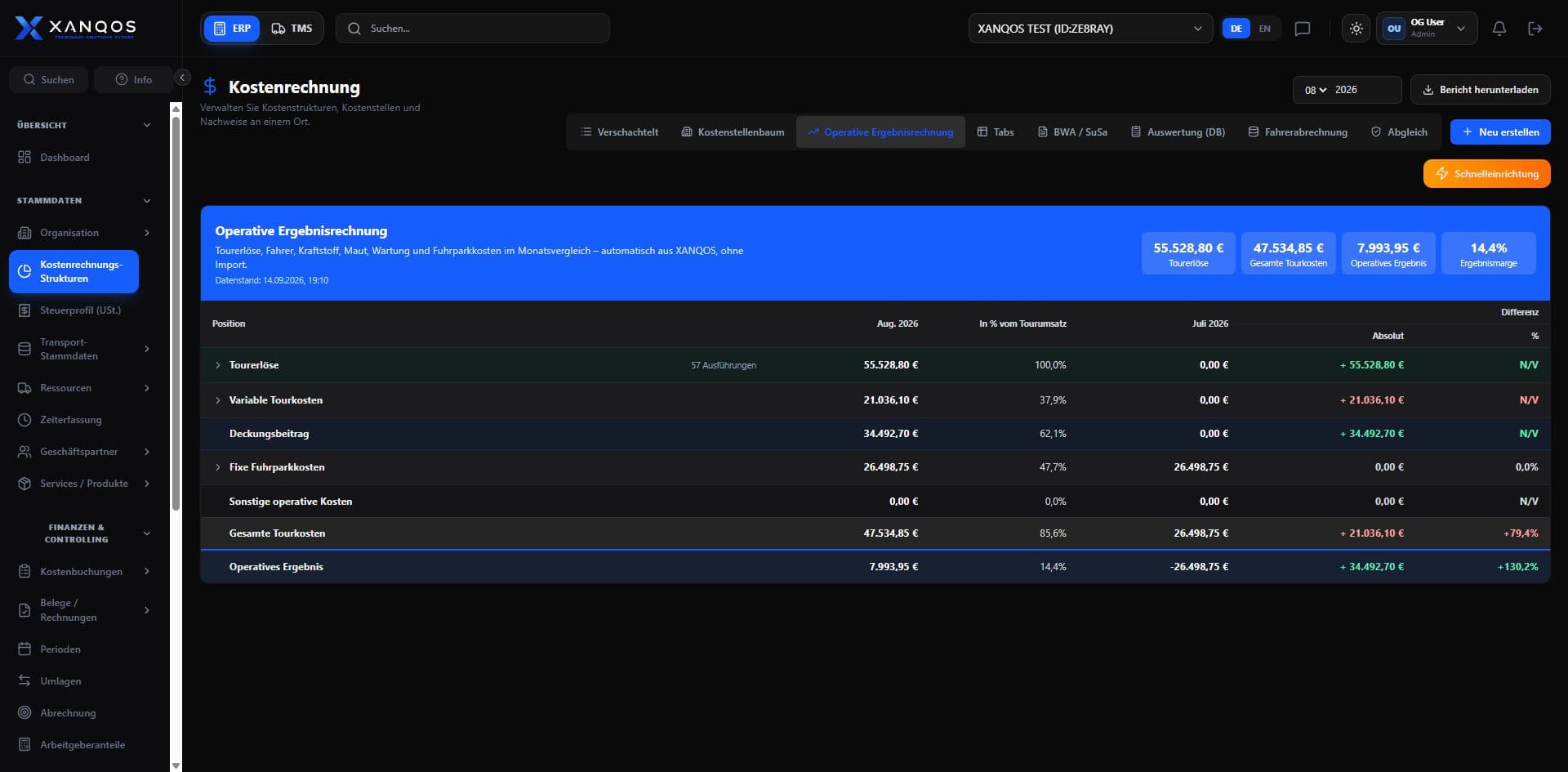
Create invoices, review open items and follow payment status so your team knows which amounts still need attention.
See details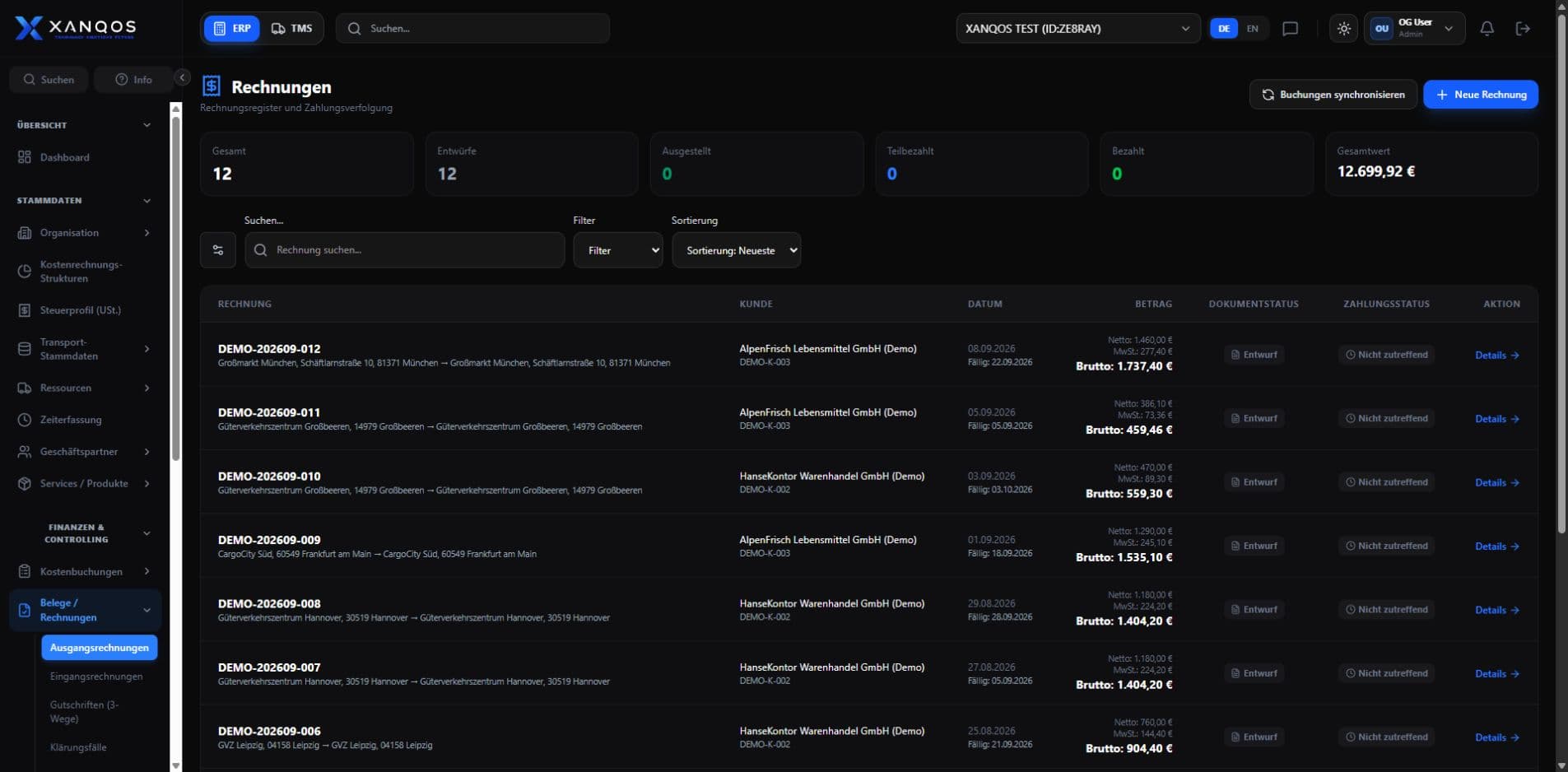
Compare budgets with actual results and review revenue, costs and margins in your financial reports.
See details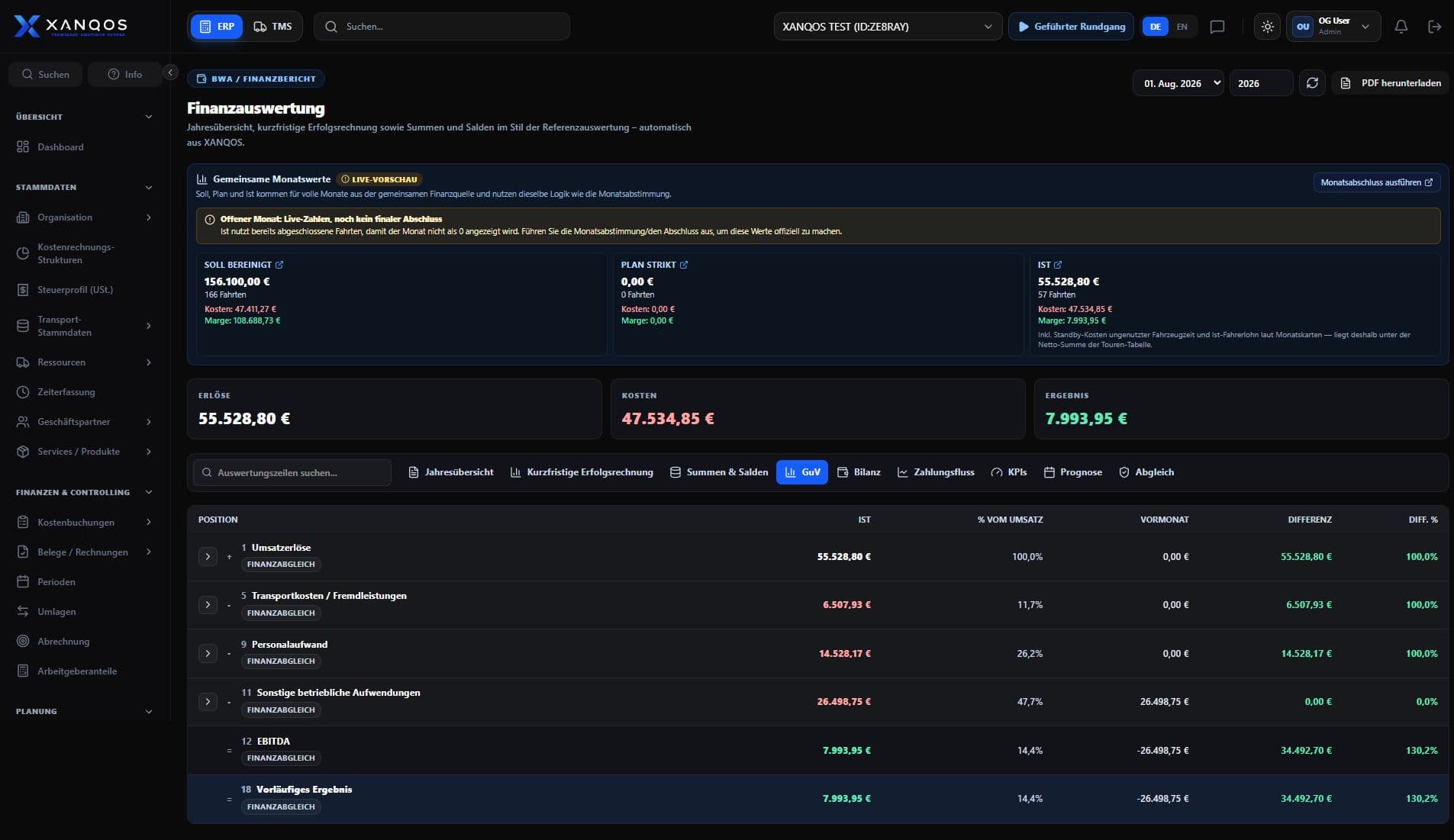
Maintain business partners and the records used in your accounts. Give your team consistent information for everyday work.
See details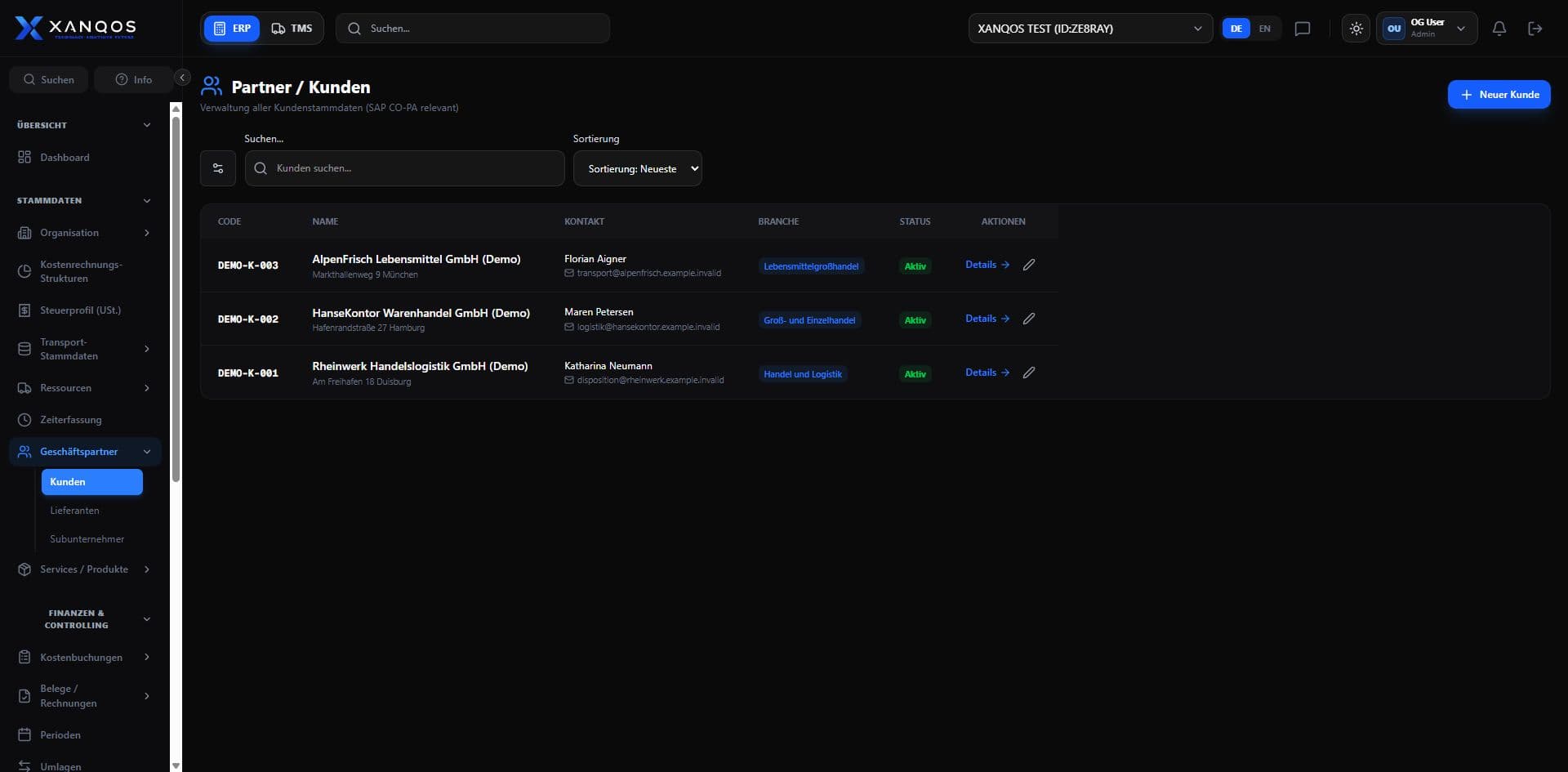
Financial clarity, from the source
Bring invoices, bank transactions and cost allocations together. Follow the figures in your reports back to the records behind them.
Customer and supplier records
Statement import and payment matching
Cost centres and cost objects

XANQOS ERP
Connected financial records
Review · Allocate · Report
The view your team needs
Review open items and payment status.
Analyse costs by centre and cost object.
Compare planned and actual figures.
ERP + TMS for transport operations
XANQOS TMS brings tour planning and costing together with ERP financial reporting. Compare forecasts, planned figures and actual results by driver, truck and route to see where costs and revenue differ from your plan.
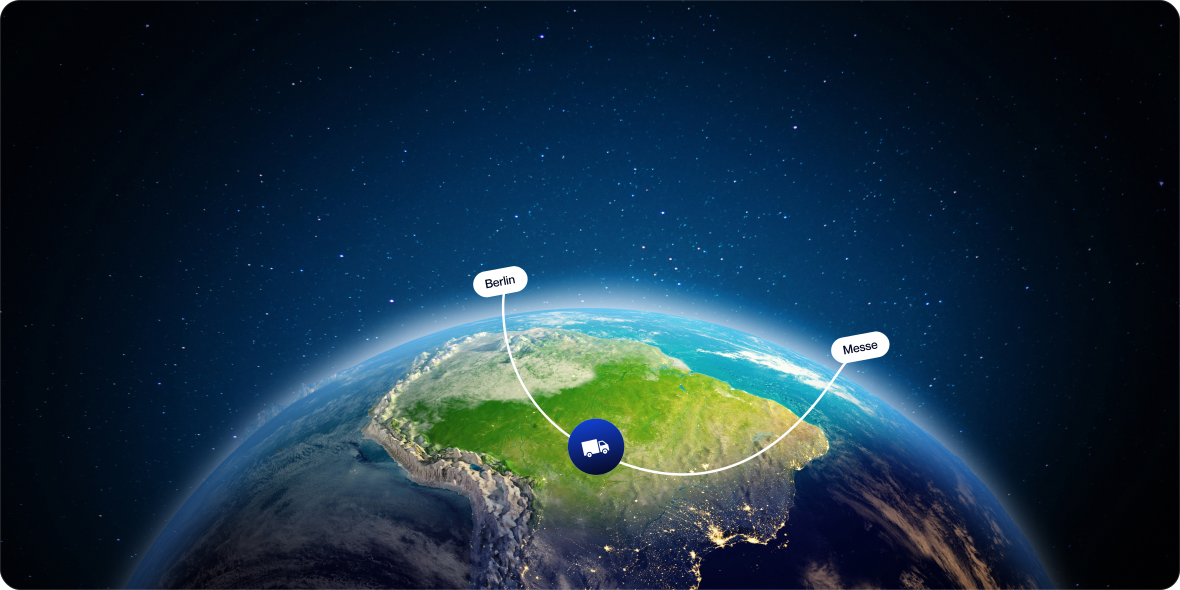
EXAMPLE TOUR
EXAMPLERoute: Berlin → Messe Hannover
Compare planned and actual costs
Product workflows
Scope & pricing

Accounting, invoices, cost allocation and reporting shape your ERP quote. We include the users, source records and connections your finance team needs.
Data migration, configuration and training are included in the implementation discussion.
Your proposal
Select accounting functions and data sources. Your proposal defines ERP access, data preparation and introduction costs.
Select invoicing, bookkeeping and cost-allocation functions. Identify the reports and company records to include in your ERP configuration.
Identify the customer records, opening balances and transaction data to prepare. We discuss source formats, migration boundaries and checks before importing your business records.
List accounting tools and systems to connect. Any additional development is scoped and priced separately from standard ERP configuration.
Specify user access, training and support for accounting. Your proposal separates recurring software charges from ERP introduction work.
Example workflow — not a customer case study

Request a demo
See invoices, postings and cost allocations in an ERP demo focused on your team’s daily accounting work.