
Custom Boundaries
Circle and Polygon. Choose simple circular radius for stops or up to 100-point polygons for complex yards, supply hubs, and depot locations.
GEOFENCE MANAGEMENT
Define areas around depots or customer sites. Set entry, exit and dwell alerts for selected vehicles using their reported positions.

Product interface · Open full size ↗
Precision Control
Use reported positions to follow arrivals, departures and time spent at selected sites. Alerts depend on incoming location data.
Circle and Polygon. Choose simple circular radius for stops or up to 100-point polygons for complex yards, supply hubs, and depot locations.
Apply context rules specifically to All Tracked Devices, or pin to selected Vehicles, Drivers, Devices or customized Target Groups.
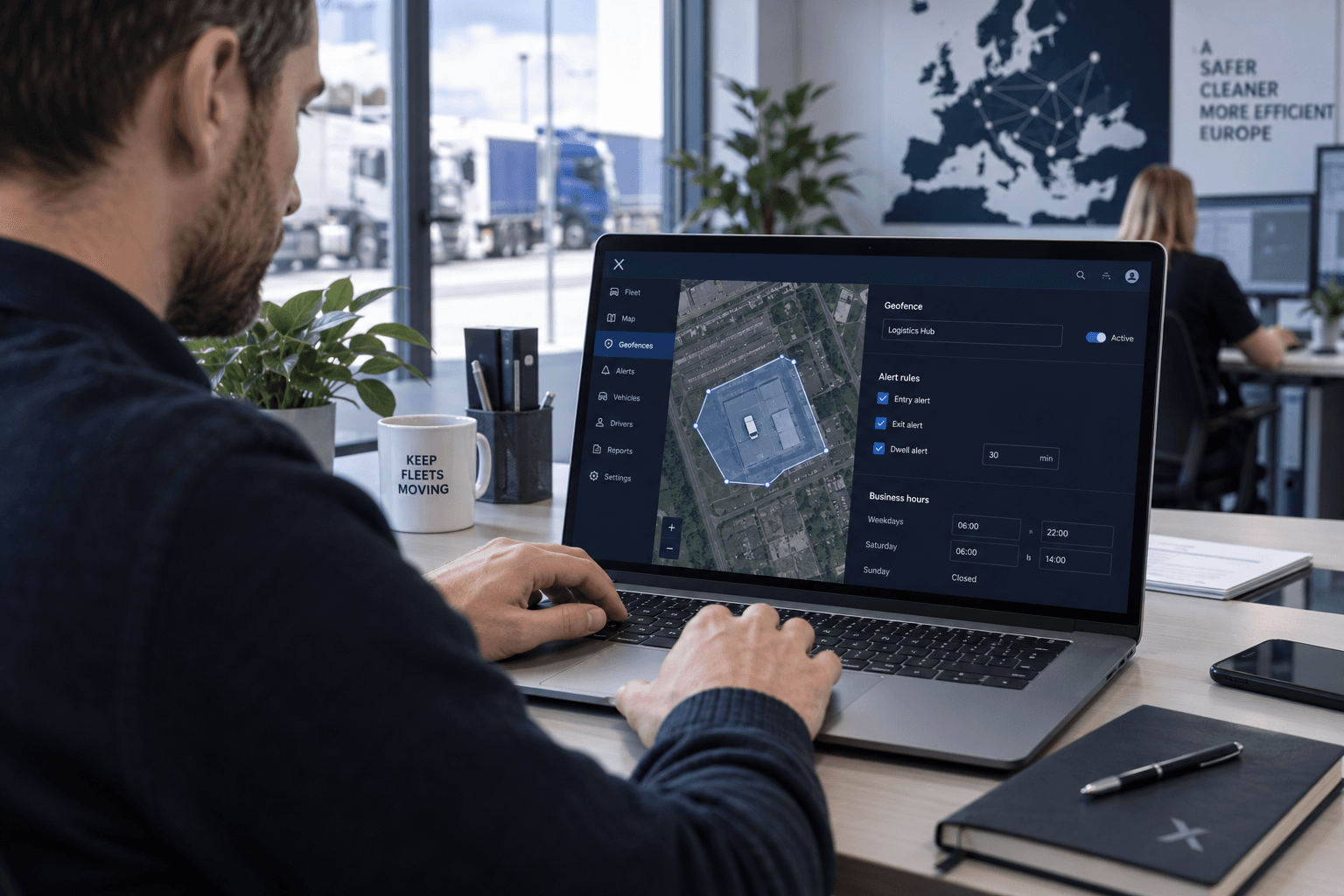
Capture Entry, Exit, or Both. Trigger instant dwell alerts after custom duration caps, and define precise active business hours, timezones, and valid date spans.
Accelerating setup. Save trigger parameters, operational schedules, target definitions, and dwell constraints as reusable templates for instantly building new regions.
Wizard Flow
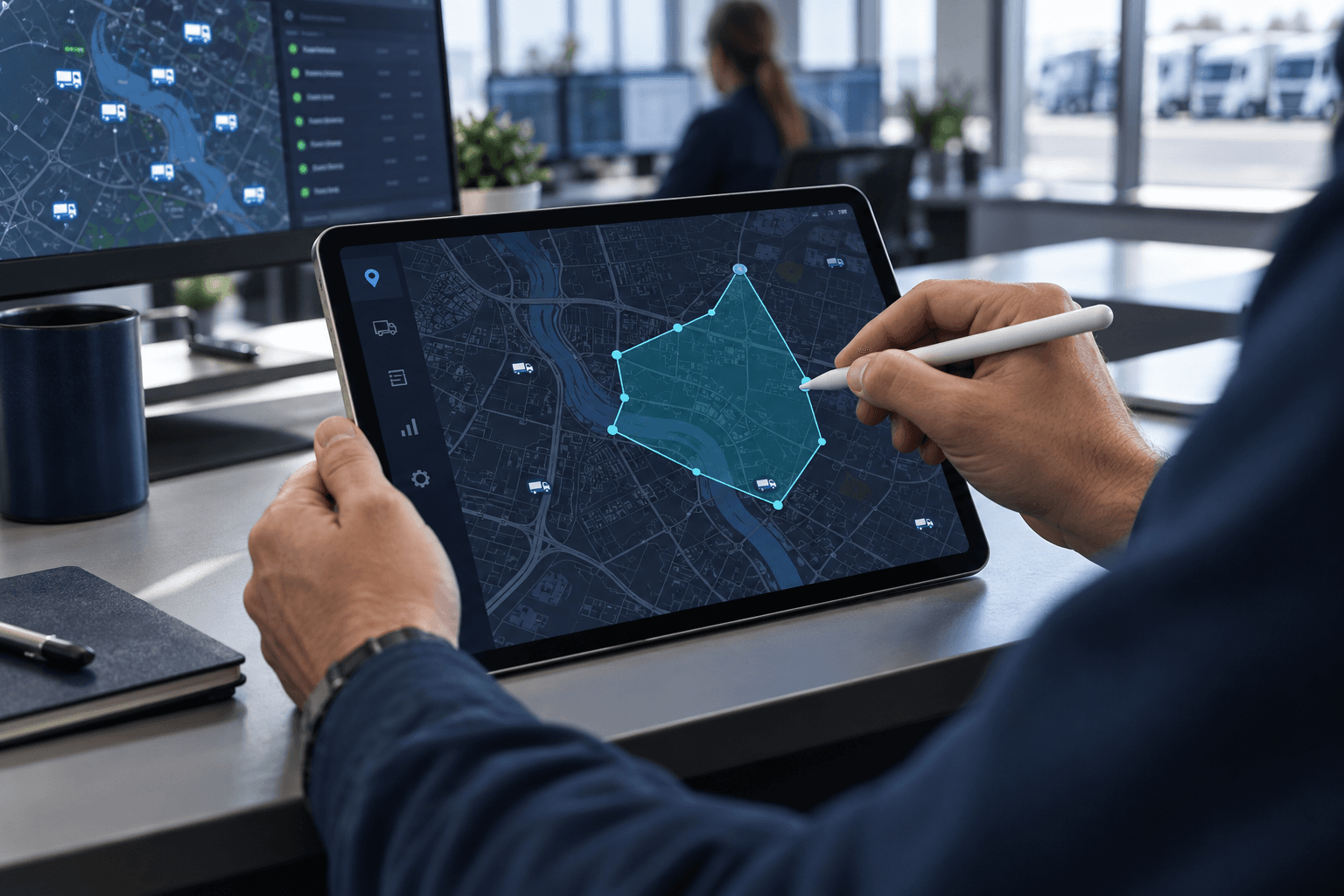
Name the area, draw its boundary, define the alert conditions and review the affected vehicles.
Assign a descriptive name, select hazard alert severity (Info, Warning, or Critical), and schedule its activation immediately or manually.
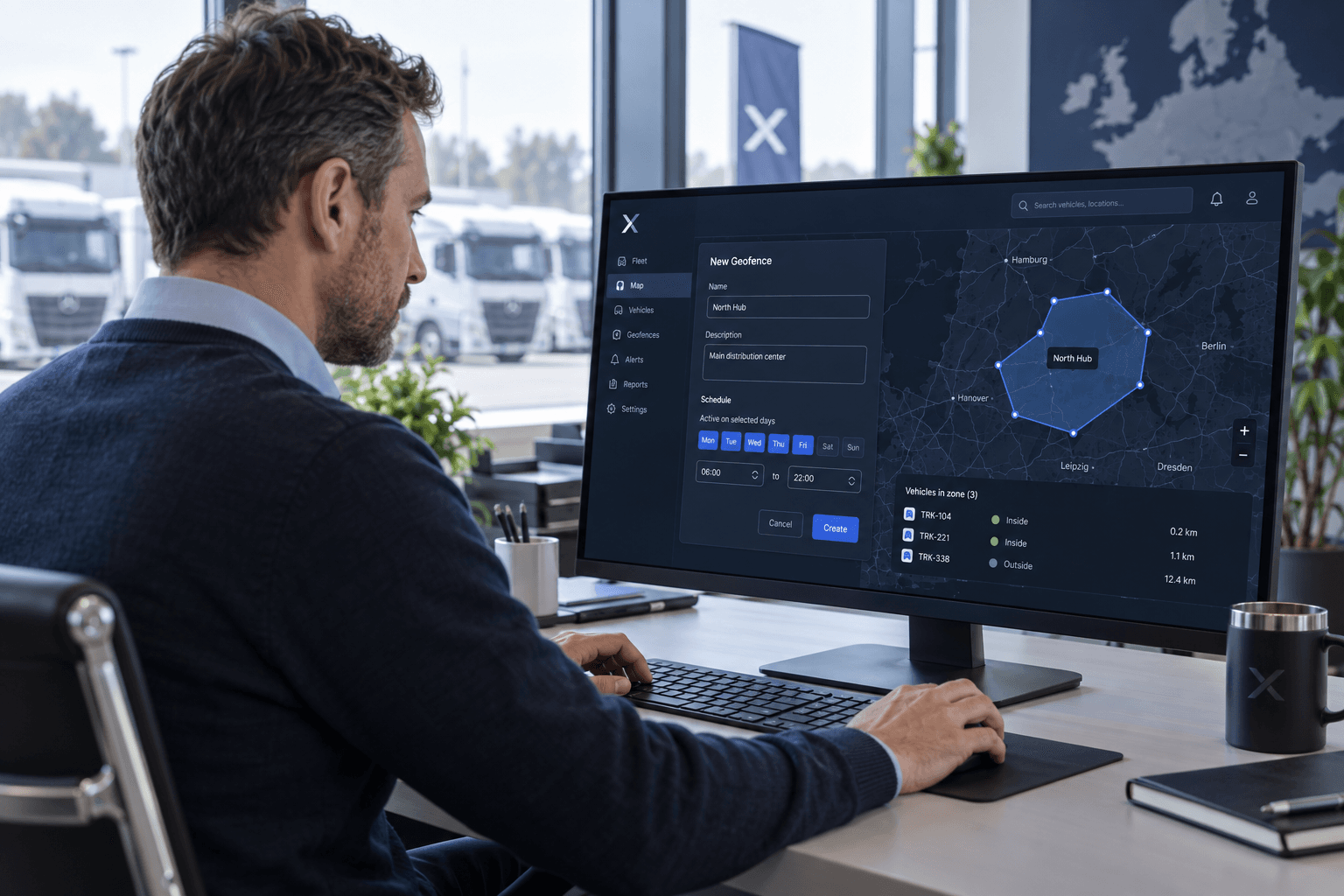
Select Circle or Polygon tools. Place points directly onto the interactive viewport. Includes native Undo and Clear steps.
Define event triggers (Entry/Exit/Both). Target specific devices, vehicles, or drivers, and add custom schedules or dwell thresholds.
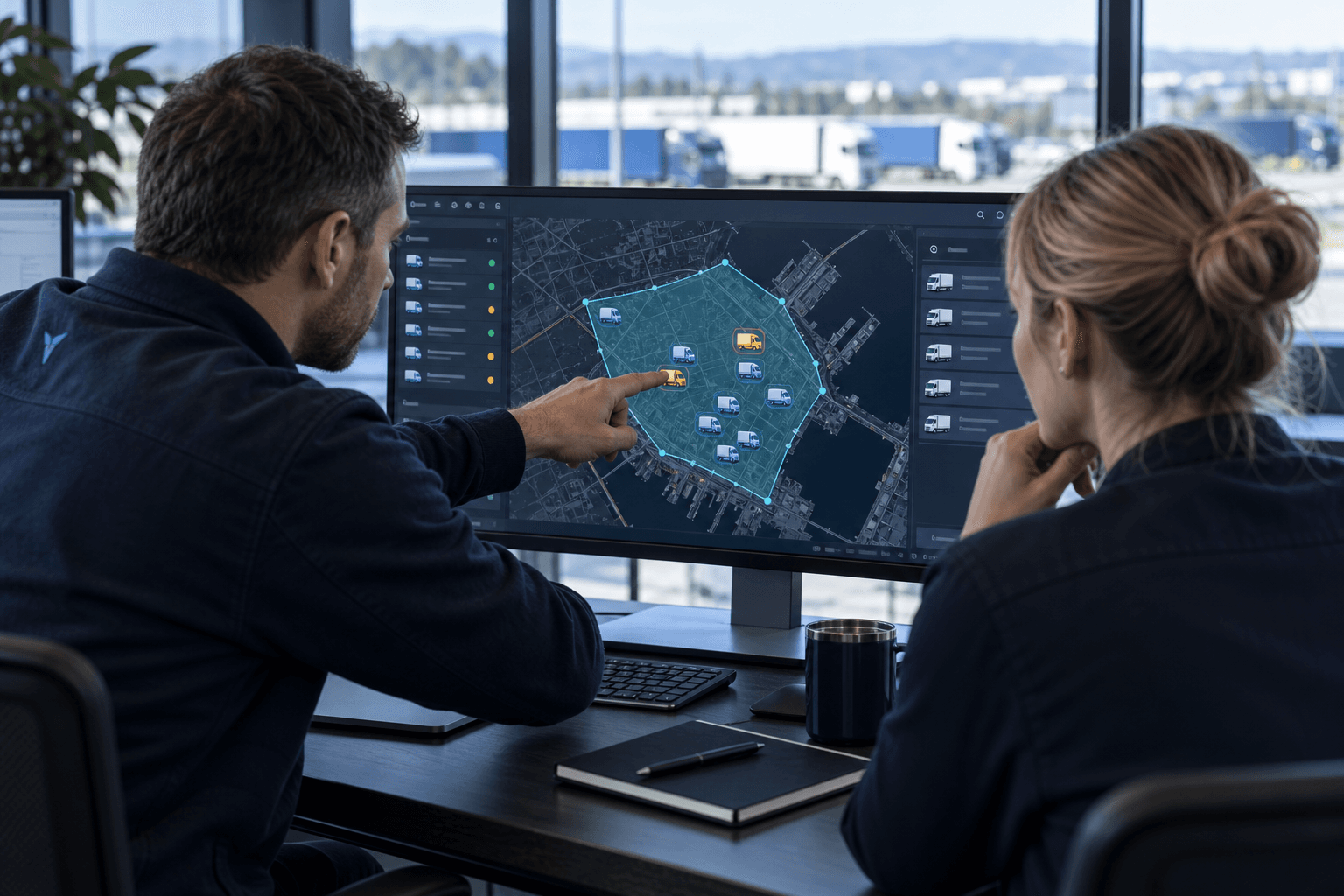
Review which vehicles the rule applies to before saving. Check the boundary and conditions to reduce unnecessary alerts.
Real-Time Intelligence
Example zone counts and activity log. Actual status depends on the latest available location data and your configured boundaries.
Zone “Freightliner HQ” modified by Administrator (Admin-01)
Zone “East Port Depot” created by Dispatcher (Disp-04)
Zone “Cold Storage Yard” viewed by Manager (Manager-02)

Maintain compartmentalized access, ensuring only authorized roles can configure geofence regions and operational rules. Built for complex permissions and access control across your teams.
Essential User Questions
Request a demo
Discuss the depots, customer sites and arrival or departure events your team needs to monitor.