Fuel data can come from a supported vehicle CAN-bus connection or compatible external fuel sensors. We check the vehicle, tracker, available readings and calibration before confirming the setup. External tank sensors are not required for every vehicle.
FUEL CONTROL
Review fuel alerts.Investigate unusual changes.
Spot unusual fuel changes and see what happened around them. Review fuel alerts, tank-level readings and vehicle activity together, so your team knows what to check next.
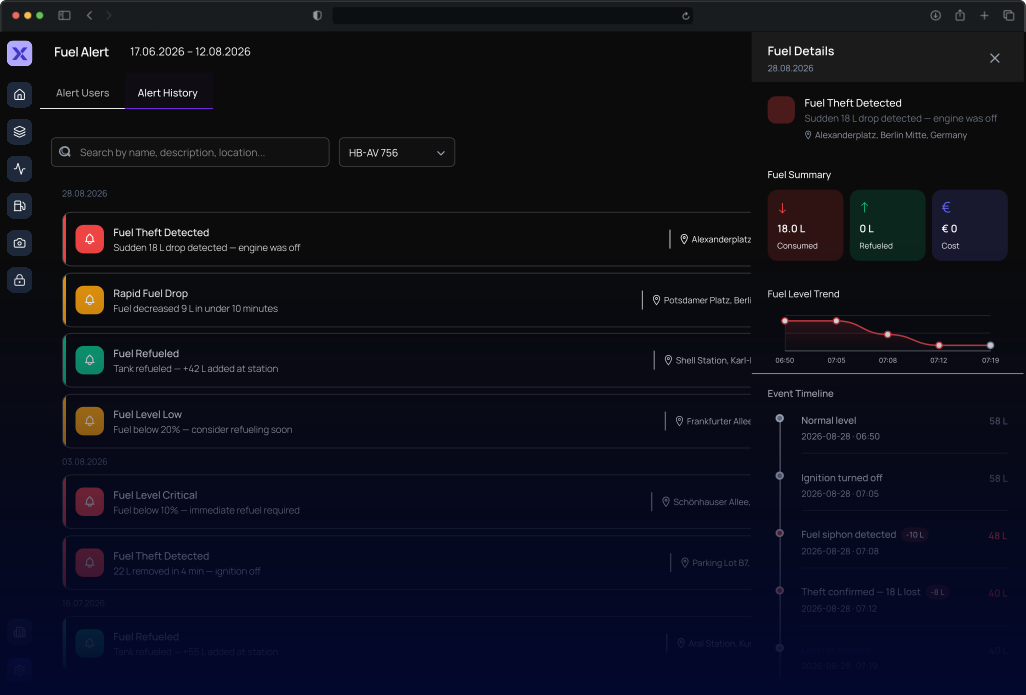
Product interface · Open full size ↗
Fuel Control in daily operations
Spot the change. Know where to start.
An unexplained fuel drop raises questions. Bring the alert, vehicle and journey together so your team can focus its follow-up.
Spot unexplained losses
Draw attention to fuel changes that deserve a closer look, including drops while a vehicle is parked.
Find the event context
Connect the fuel change with the vehicle, time and location instead of treating it as an isolated number.
Act with your team
Give the office and driver a shared starting point for checking receipts, stops and what happened on the road.
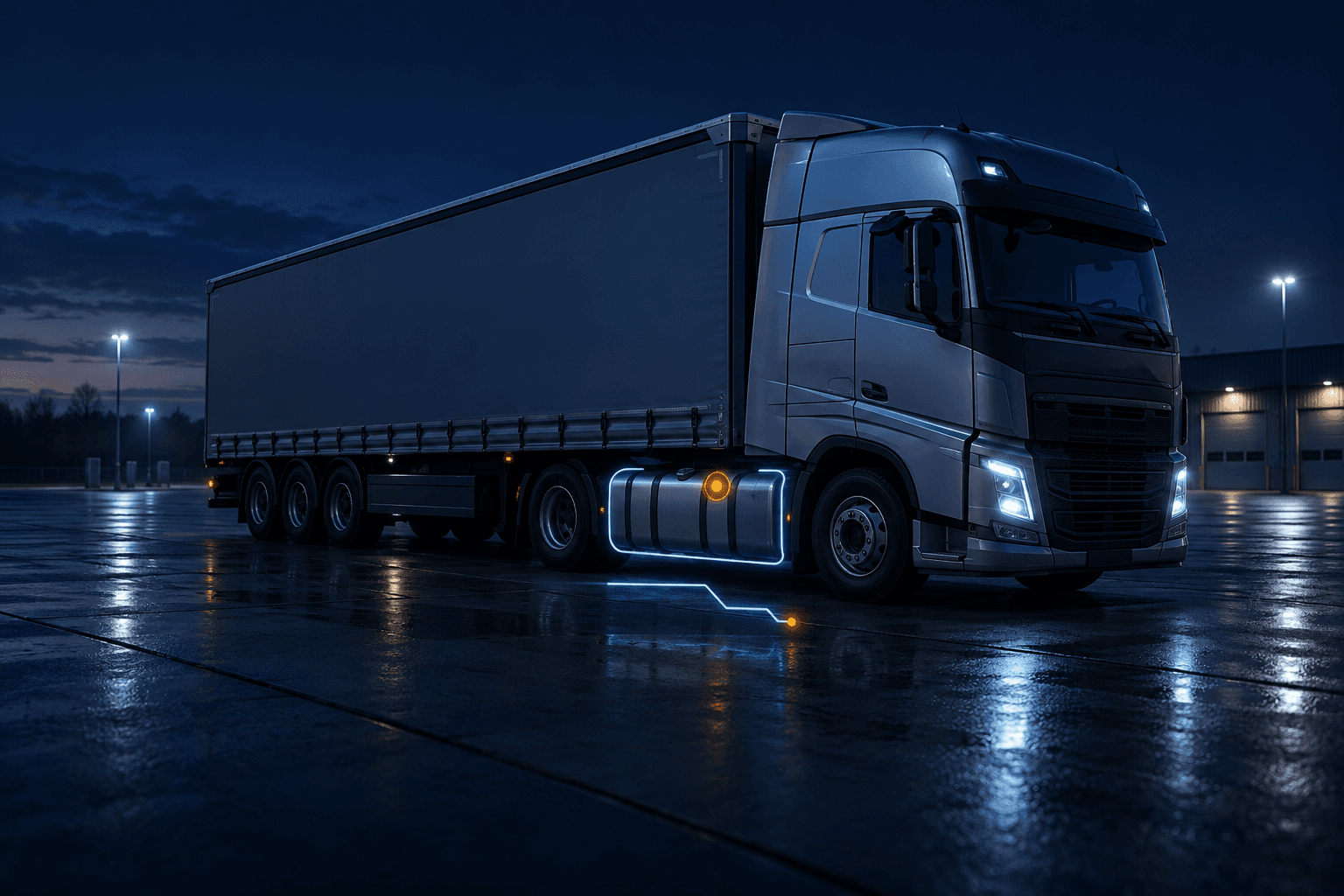
A vehicle is parked at the depot when its reported fuel level falls. Start with the alert and fuel-level trend to identify the change that needs an explanation.
The question this helps answer
Was the vehicle parked when the level changed?
Place the event alongside the vehicle’s journey. The time, location and activity around the change help your team decide where to start asking questions.
The question this helps answer
Where was the vehicle, and what was happening?
Compare the event with fuel receipts, stop details and the driver’s account. Use that context to decide whether the change is explained or needs further investigation.
The question this helps answer
Do the receipts and driver’s account explain the change?
FAQ
Questions & OperationalDetails
Understand fuel-data sources, alert settings and the information available for an investigation.

Request a demo
See Fuel Controlin action.
Explore a fuel alert, trace the event back to the vehicle and journey, and see how your team can follow it up in a guided demo.