Finance & Postings
Record transactions, attach supporting documents and review journal entries when you need to check a figure.
Explore the workflowXANQOS
Explore ERP, TMS and telematics. For custom applications, we develop the software around your requirements.
For finance teams handling postings, invoices, open items and cost allocations. Use ERP independently when transport planning is outside your scope.
Record transactions, attach supporting documents and review journal entries when you need to check a figure.
Explore the workflowExport accounting entries in DATEV CSV format for your accountant. Select the reporting period and prepare the handover from your ERP records.
Explore the workflowAllocate expenses to cost centres and cost objects. See where costs arise and which activities they belong to.
Explore the workflowCreate invoices, review open items and follow payment status so your team knows which amounts still need attention.
Explore the workflowCompare budgets with actual results and review revenue, costs and margins in your financial reports.
Explore the workflowMaintain business partners and the records used in your accounts. Give your team consistent information for everyday work.
Explore the workflowFor dispatch teams deciding which route, driver and vehicle to assign. Review planning options before confirming a tour and coordinate changes during execution.
Build planning scenarios with drivers, vehicles, time windows and estimated costs. Review resource needs before confirming your transport assignments.
Assess route costs using distance, toll estimates and planned transport expenses.
When an assignment changes, update the driver and vehicle allocation and share the revised instructions. Use tour status, announcements and notifications to keep the next action clear.
Manage driver records and assignments. Keep coordination and operational updates connected to the people carrying out each tour.
Manage vehicle records and maintenance work. Coordinate workshop tasks with the vehicles needed for transport planning.
Upload a tender PDF for review and use the system’s cost assessment to inform your proposed price. Check the extracted requirements and assumptions before submitting your offer.
After the tour, review where revenue or costs differed from the estimate. Monthly ERP reports let you compare results by driver, truck and route.
For fleet teams investigating vehicle activity. Open the location, fuel or tachograph records relevant to a query; explore camera and vehicle-access modules where needed.
See reported vehicle positions, inspect vehicle details and check when each location was last updated.
Explore the workflowReview unusual fuel changes with reported tank levels, timestamps and available vehicle context. Alerts identify events to investigate; they do not confirm theft.
Explore the workflowOrganise tachograph files, download deadlines and driver activity. Review records that need attention; software does not replace the operator’s legal responsibilities.
Explore the workflowReview road-facing and in-cab footage where supported cameras are installed. Available views and events depend on the camera setup and permissions.
Explore the workflowDefine areas around depots, customers or sites. Review entries, exits and time spent inside each area using the available location data.
Explore the workflowService plans and maintenance records for vehicles. Keep service schedules and history in one place.
Explore the workflowPast trips with route playback, analytics, and export. Review where assets went and how long trips took.
Explore the workflowReview fleet, trip and event reports. Use the available records to support operational reviews and follow-up.
Explore the workflowReview driving scores alongside speeding, harsh-event and activity evidence.
Explore the workflowReview reported mileage and available vehicle signals. The information shown depends on the connected device and vehicle.
Explore the workflowReview reported driving and vehicle events, then decide which need follow-up.
Explore the workflowLock and unlock supported vehicles using a phone or RFID. Manage access permissions and review command history with compatible hardware.
Explore the workflowApplications, portals and integrations for approvals, document access and data exchange. Built around the users, records and processes your business needs.
We develop portals where customers, partners or employees can access the documents and updates they need.
We develop mobile tools for field tasks, uploads and status updates, with offline requirements agreed during planning.
We develop software for your approvals, task assignments and recurring business processes.
We build connections between existing applications after reviewing their interfaces and data requirements.
We develop reports and dashboards around the questions your business needs to answer.
We assess how compatible devices and sensors can supply the data your application needs.
Product workflows
Telematics
Keep the next service in sight.
Telematics
Go back to the journey behind a question.
Telematics
Prepare the fleet report your team needs.
Telematics
See what sits behind a vehicle score.
Telematics
Take an alert through to a recorded outcome.
Telematics
Manage who can access a vehicle.
Telematics
Use the events behind a driving score.
ERP
Follow a financial entry back to its source.
ERP
See what is invoiced, paid and still open.
ERP
Know where a cost belongs.
ERP
Explain the result before closing the period.
ERP
Prepare the accounting handover.
ERP
Keep the records behind daily work organised.
TMS
Compare the route before committing the plan.
TMS
Understand what remains from a tour’s revenue.
TMS
Turn tender requirements into a reviewed scenario.
AI & BUSINESS INTELLIGENCE
Capture invoices, prepare tenders and understand your results. See how AI and BI help your team with the work behind each decision.
Explore AI & BI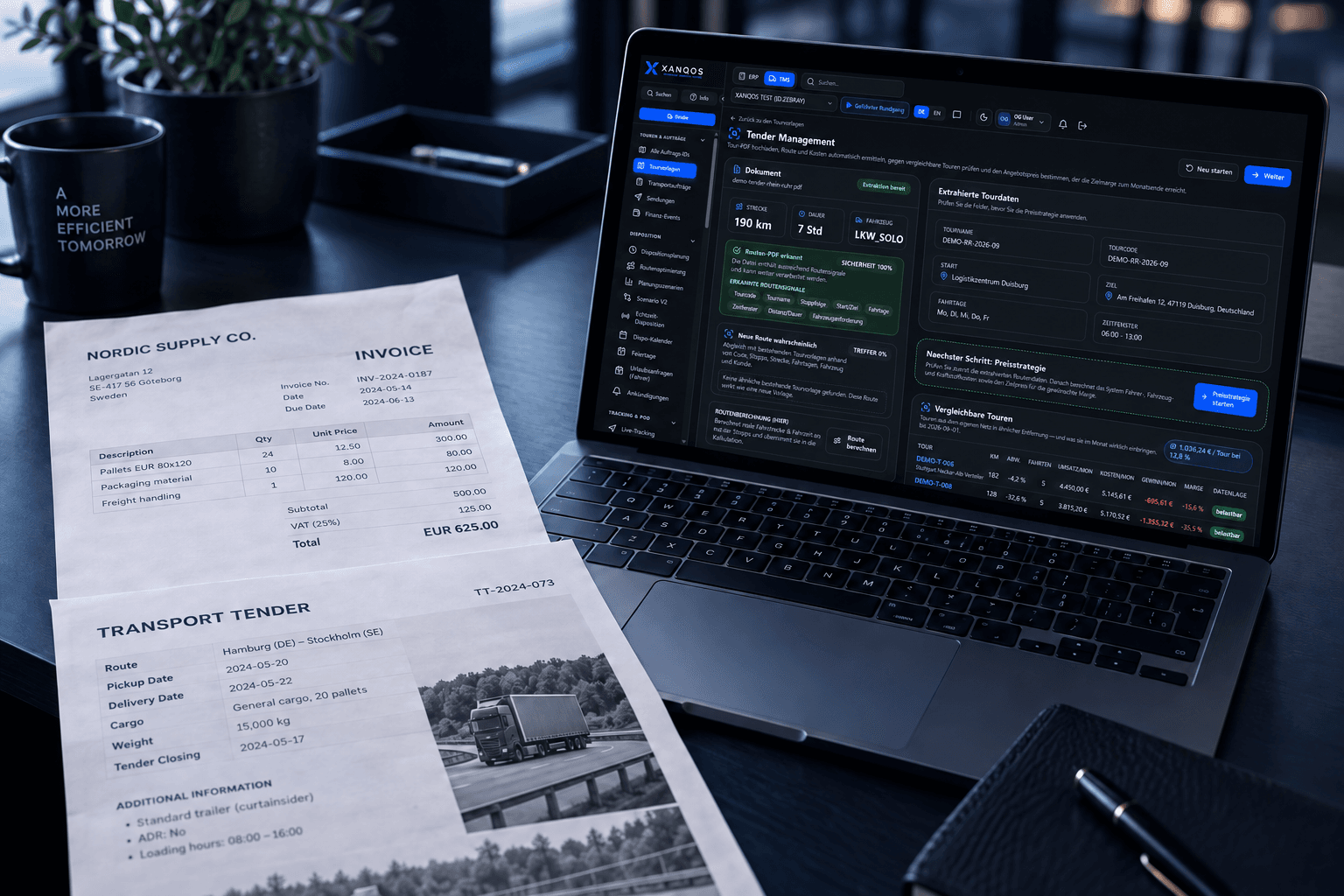

Request a demo
Choose a catalogue feature and tell us your use case. Request a walkthrough of its screens, inputs and results.